Skip to content

Slooch is taking on its first schools for Term 1 2027.

Book a walkthrough

When you need it

Reports home without printing, and who opened them.

Printed reports go home in school bags, and the school learns which never arrived when a parent asks at the meeting.

  • A father sitting on the arm of a grey sofa in a light, well-kept living room, reading something on his phone

    Slooch Documents

    Each family gets its own child's report as its own document, and each batch shows who has opened it, with a print list of the unopened only.
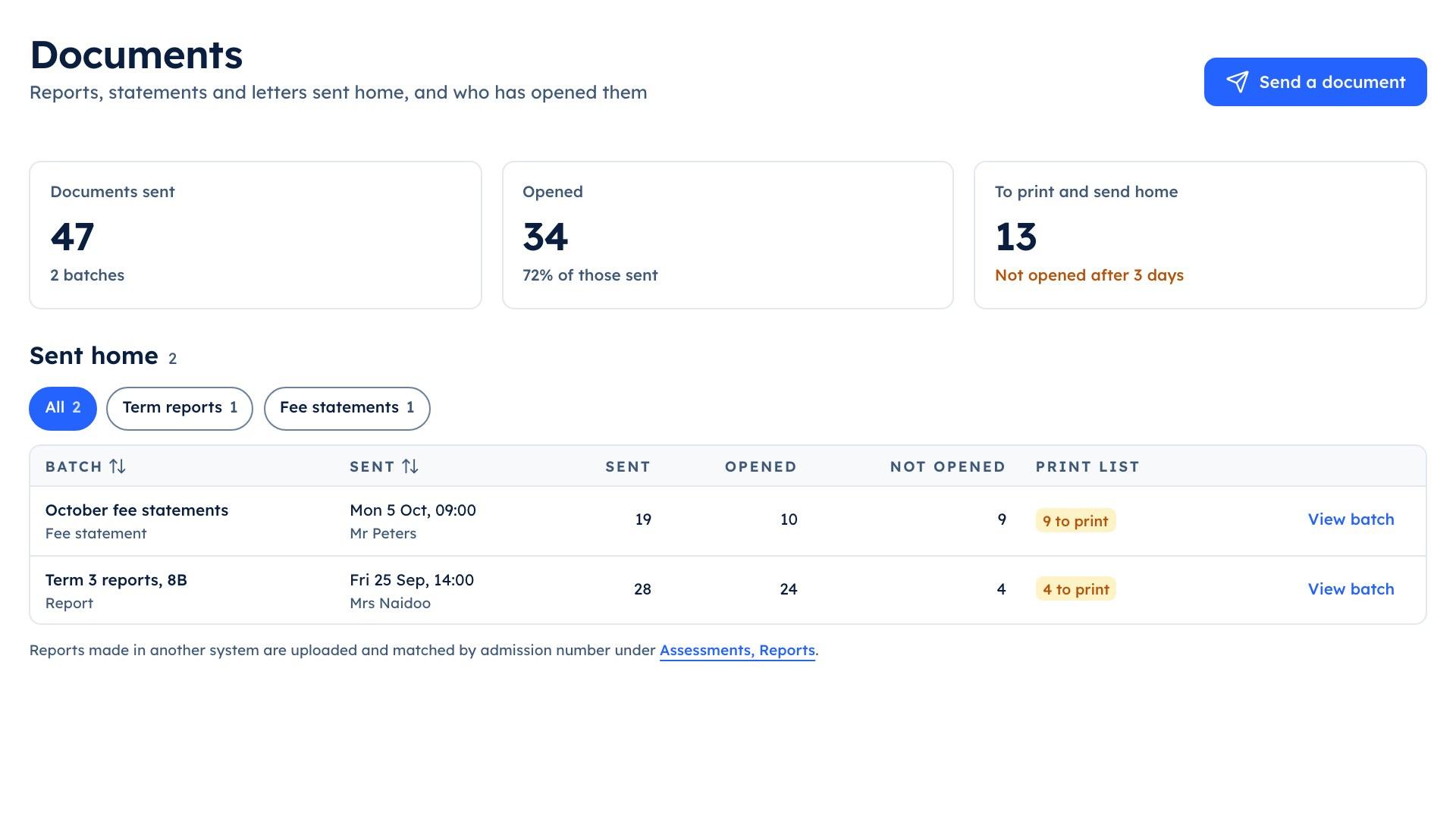
  • The school portal's Documents screen listing the Term 3 reports for 8B, 24 of 28 opened, and the October fee statements

    Slooch Assessments

    The report is built from released marks, so it is ready when the marks are, not in the last week of term.

  • Learners in white shirts and dark uniform jerseys working at single desks spread across a tall brick-walled hall with arched windows

    Slooch Notices

    The family is told the report is waiting, without the mark in the preview.

The parts

The parts that answer it

Slooch Documents

Reports and letters home, and who opened them.

Each family gets its own child's report as its own document, and each batch shows who has opened it, with a print list of the unopened only.
How Slooch Documents works
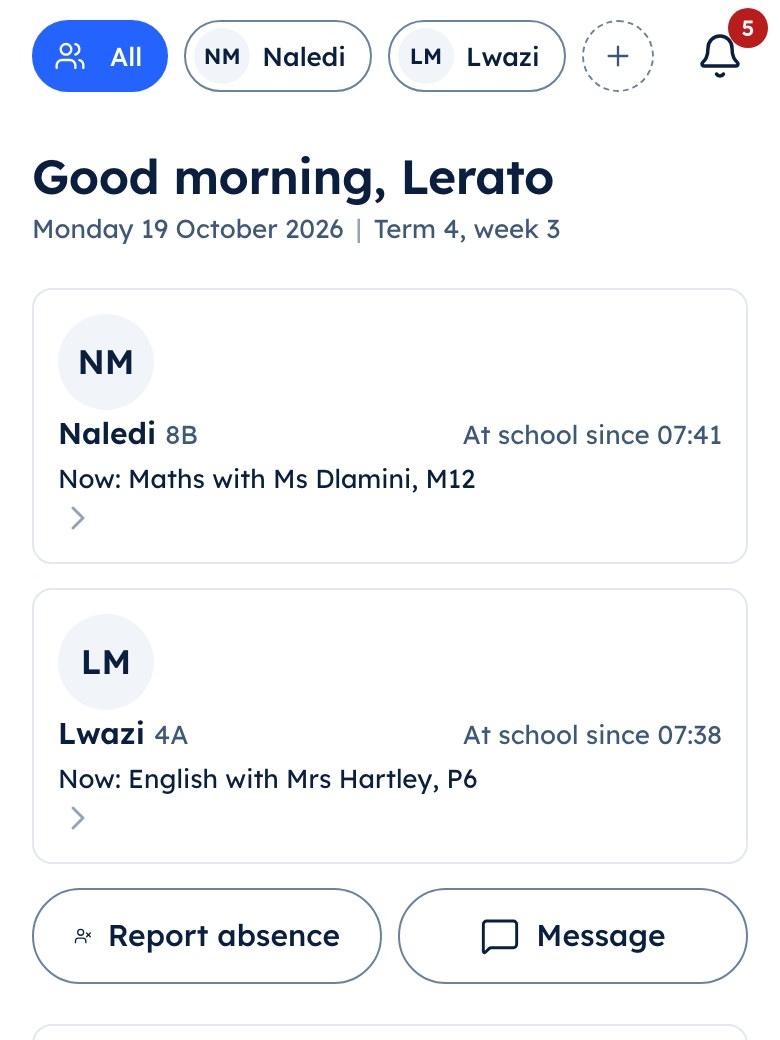
The parent app's Today screen showing a child's arrival time and current lesson

Today

  • Arrived at school

Slooch Assessments

Set, mark and give out for the whole grade.

The report is built from released marks, so it is ready when the marks are, not in the last week of term.
How Slooch Assessments works
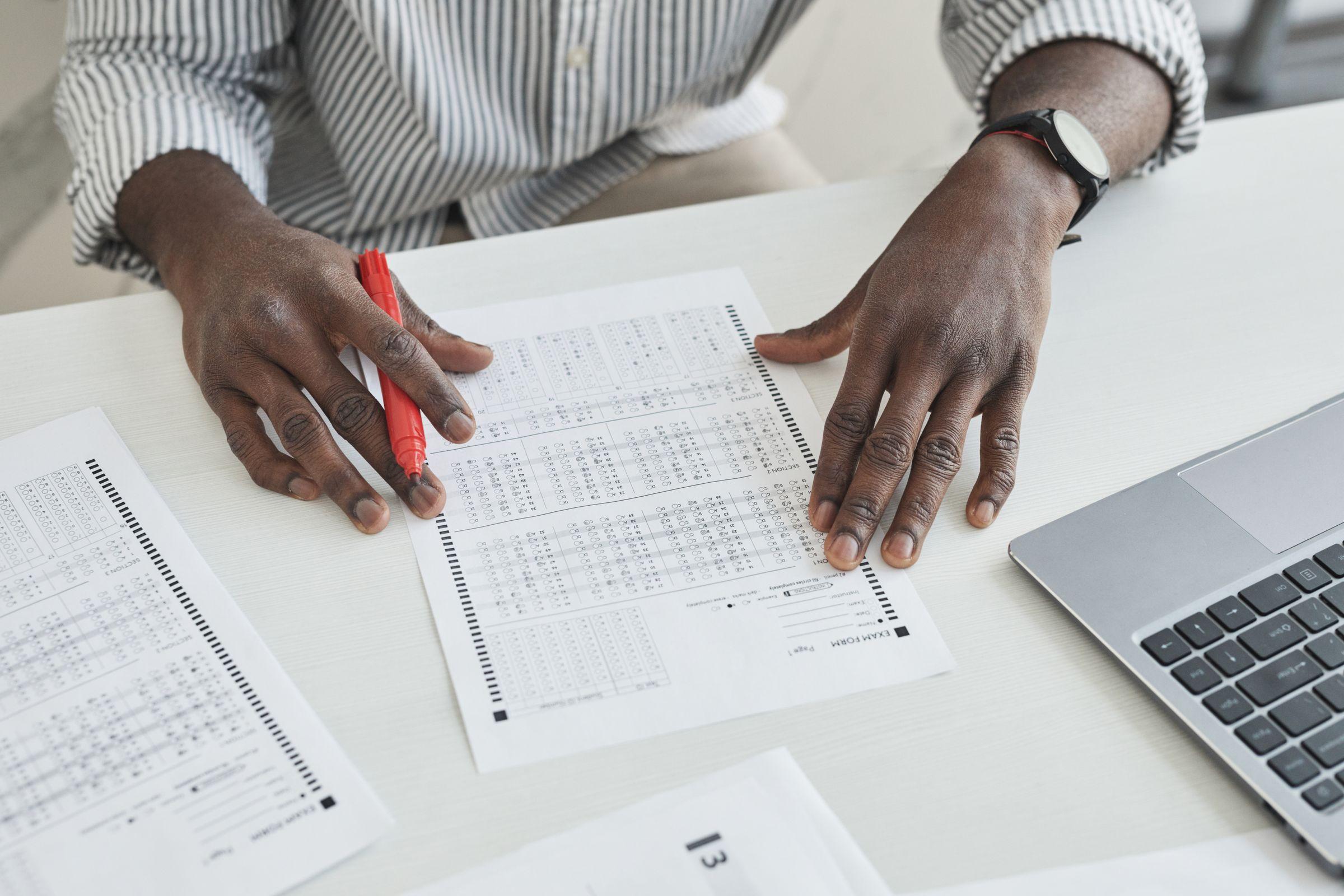
A teacher's hands marking test scripts with a red pen on a white desk, a laptop beside the pile

Slooch Notices

Who has read it, signed it and done it.

The family is told the report is waiting, without the mark in the preview.
How Slooch Notices works
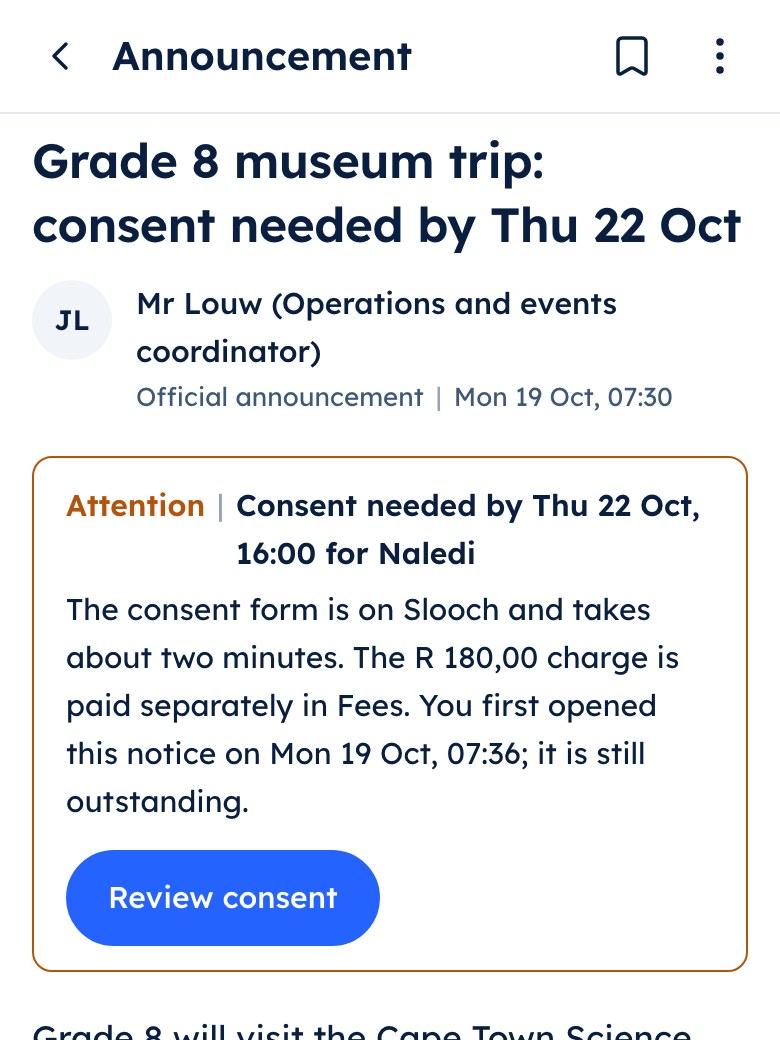
The parent app showing the Grade 8 museum trip notice with a consent form and a charge listed under it

Grade 8 museum trip

  • Consent form
  • Trip charge to pay

Still to come

  • Support plans and policies will ask the family to sign in the app.Planned

How it works

Term reports, in order

Step 1 of 5

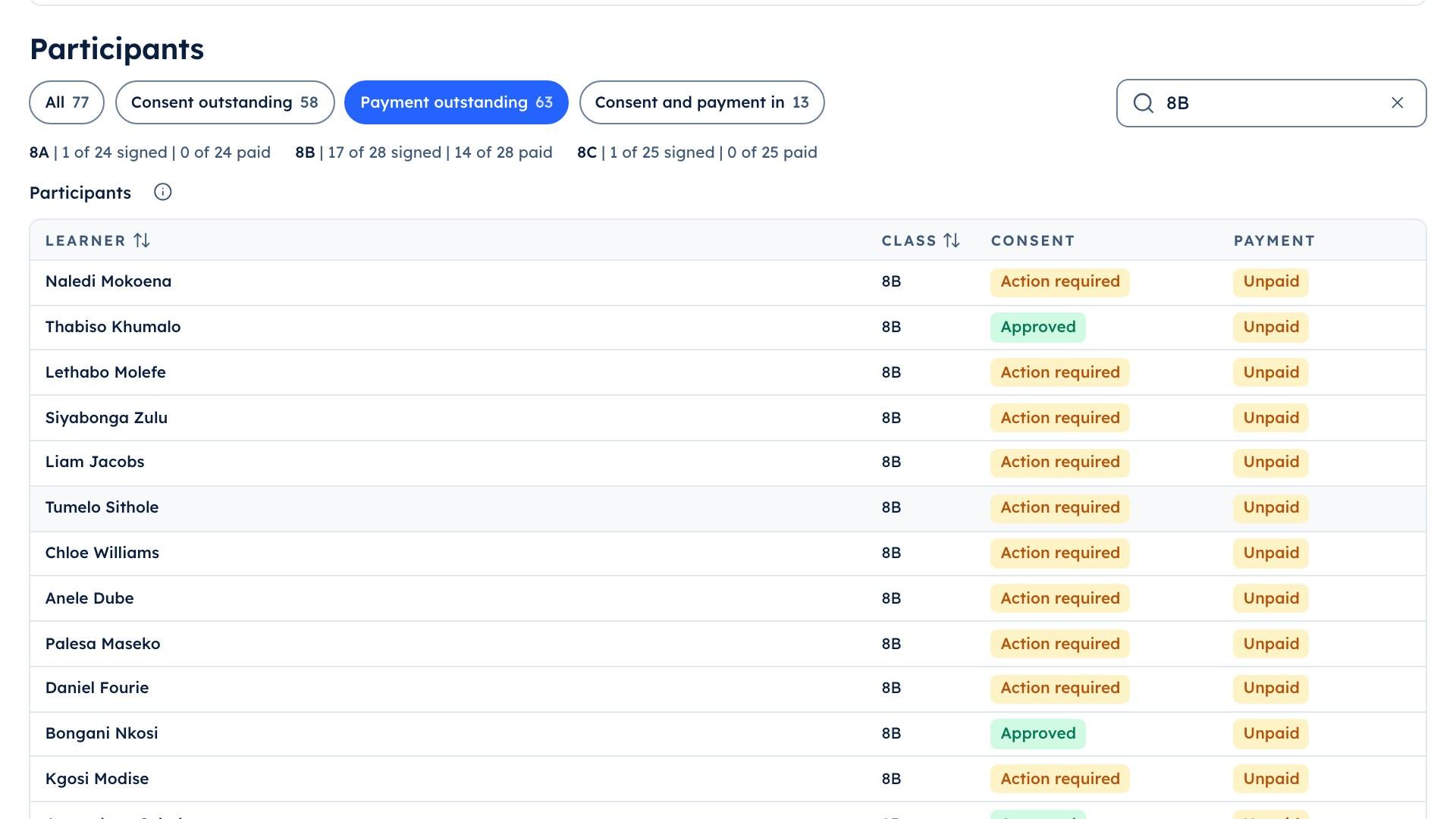
The school portal's trip list for 8B, showing the 14 learners whose trip payment is still outstanding

Step 1

Marks released

Each teacher releases their marks, and the mark schedule fills as they do.
Learners in uniform at classroom tables, a boy in a navy blazer and a girl leaning over a device together while two classmates talk behind them

Step 2

Reports signed off

The comments are written and the principal signs off the term's reports.
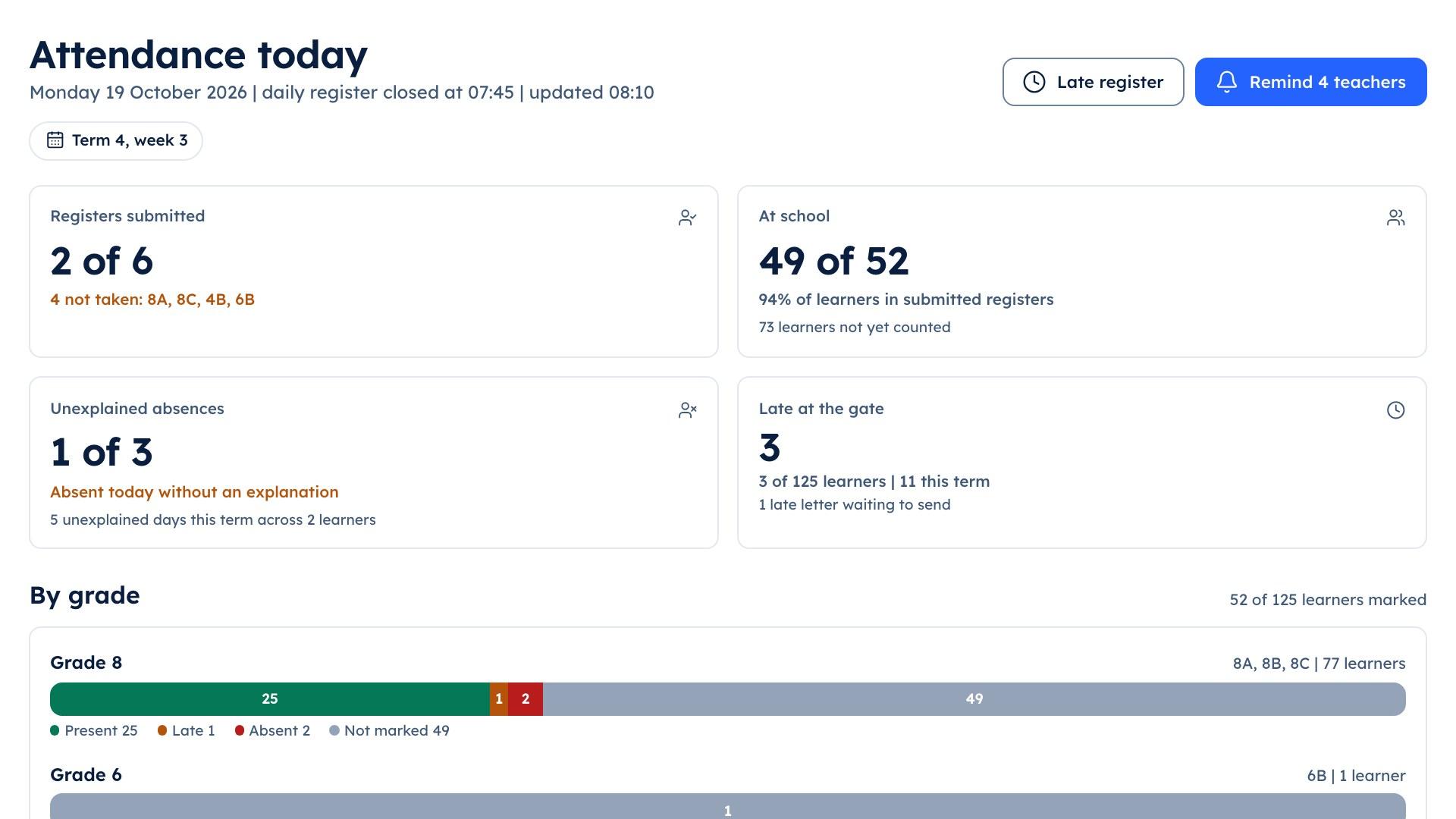
The school portal's attendance screen showing which class registers have been submitted

Step 3

Sent to each family

The office sends the reports for each class, and each family gets its own child's.
A receptionist with a tablet talking to a visitor across a clean white front desk

Step 4

Who has opened it

The batch shows who has opened their report and who has not.
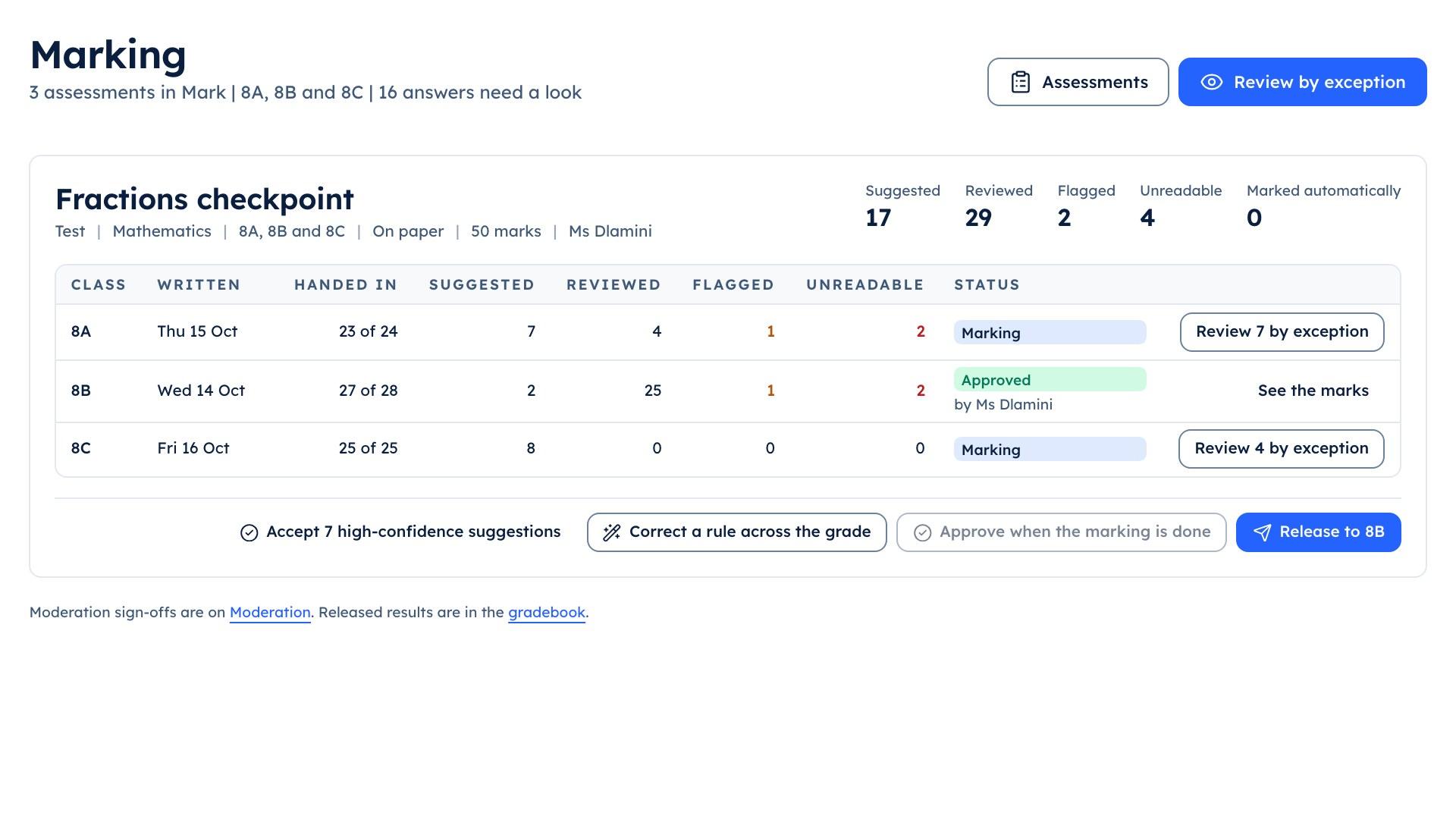
The teacher console's marking queue for the Fractions checkpoint across 8A, 8B and 8C, with suggested, reviewed and flagged counts

Step 5

Print only the rest

The office prints a list of only the families who have not opened theirs.