Skip to content

Slooch is taking on its first schools for Term 1 2027.

Book a walkthrough

For fee-paying public schools

Fee-paying public schools start with Connect and Register.

Notices, documents and the register first, then fees, with SA-SAMS kept as the school's official system for the department.

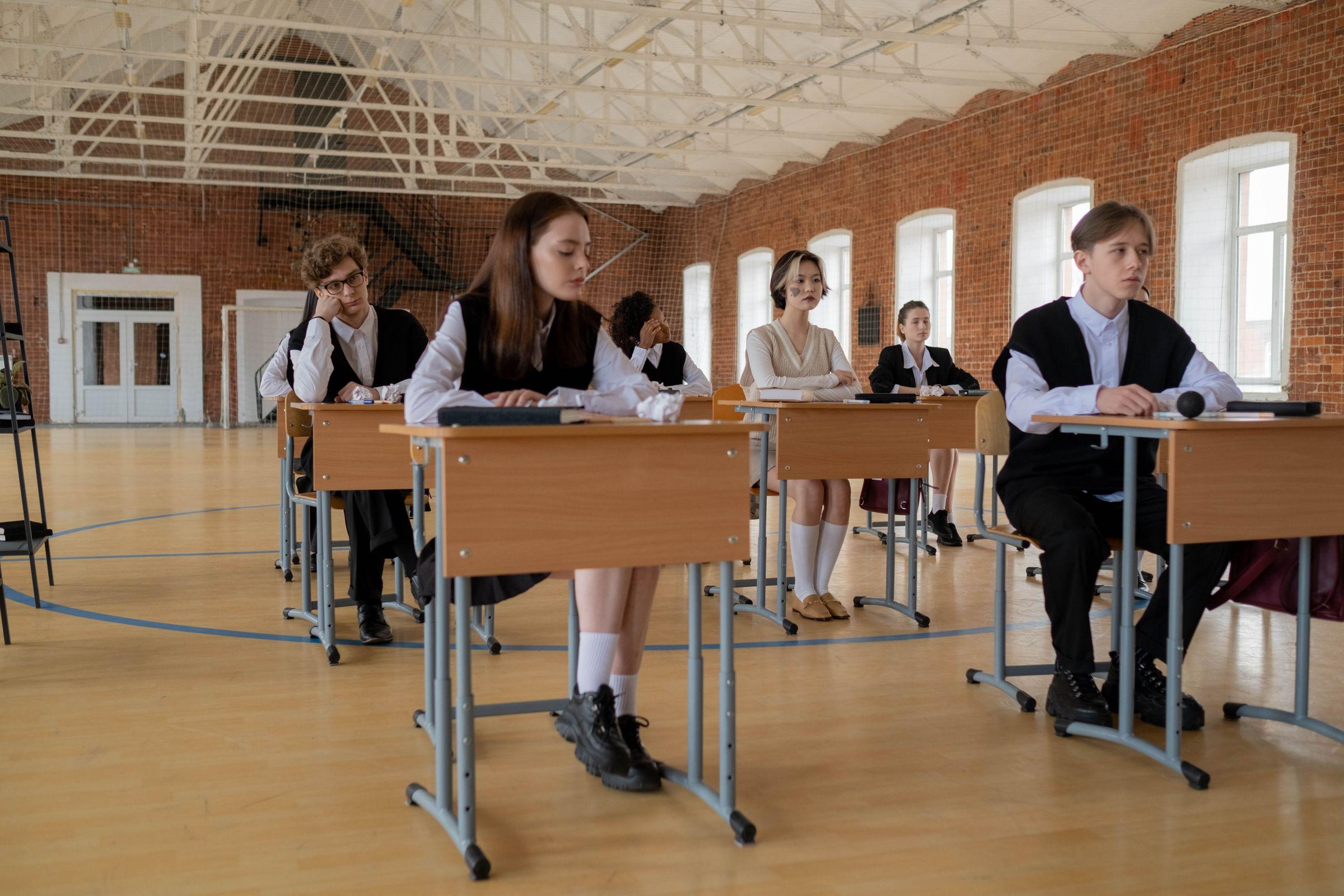
  • Learners in white shirts and dark uniform jerseys working at single desks spread across a tall brick-walled hall with arched windows

    Slooch Notices

    Every family reached with notices and consent forms, with slips that come back on paper marked as received.
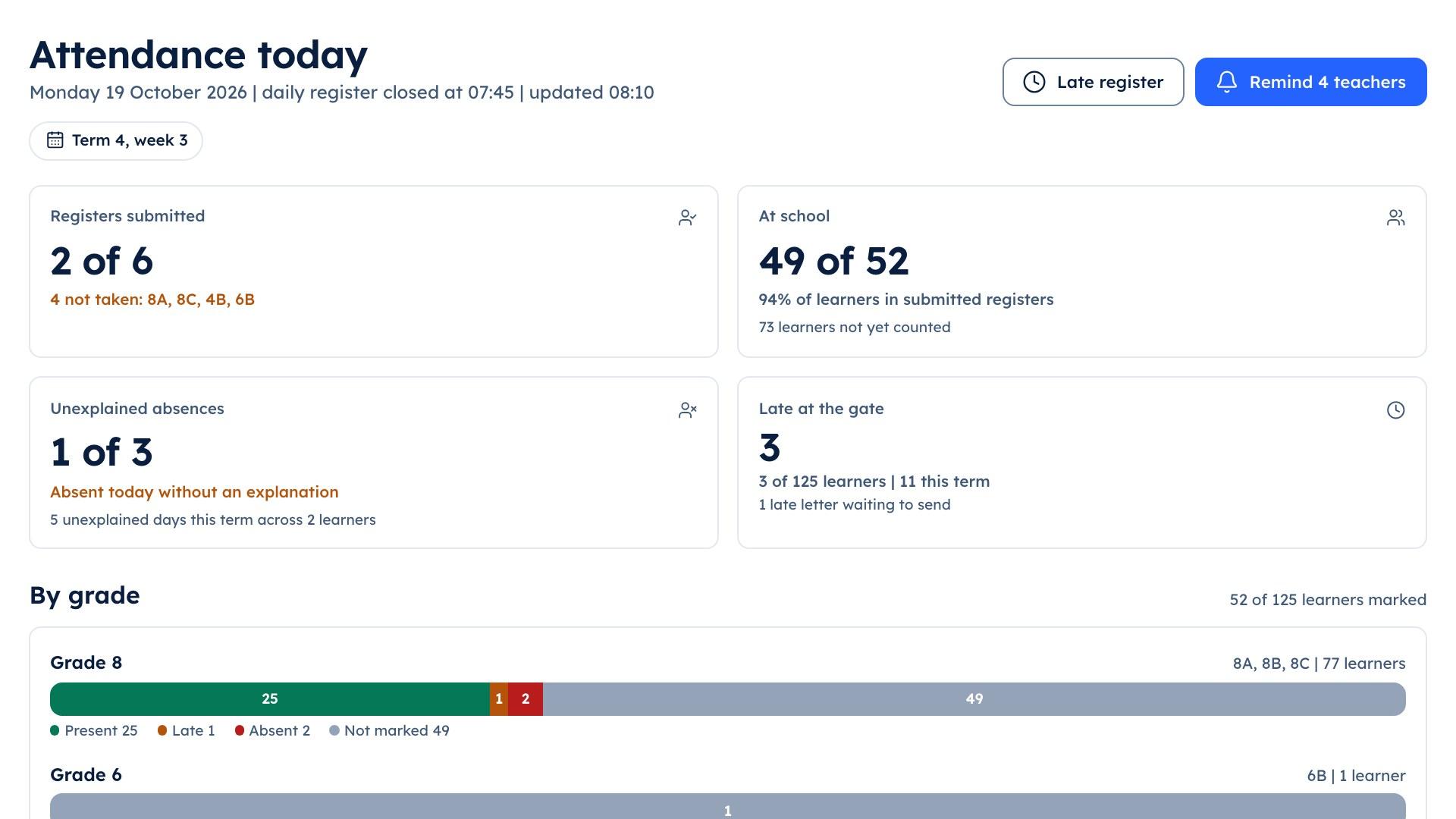
  • The school portal's attendance screen showing which class registers have been submitted

    Slooch Documents

    Reports and letters home without printing, and a print list only for the families who have not opened them.

  • A teacher in a dark suit standing at the front of a bright classroom with a sheet in his hand while learners in uniform sit at their desks

    Slooch Register

    Registers on the teacher's phone, the office's view by 08:00 and one absence message a day to each family.

The package

Connect, with Register added

We suggest a fee-paying public school starts with Connect, switches on Register, then adds Fees when the SGB and the bursar are ready. Each is a setting, not a move.

Slooch Connect has Notices, Documents and Sites, with the family and learner apps.

What Slooch Connect includes

Slooch Notices

Who has read it, signed it and done it.

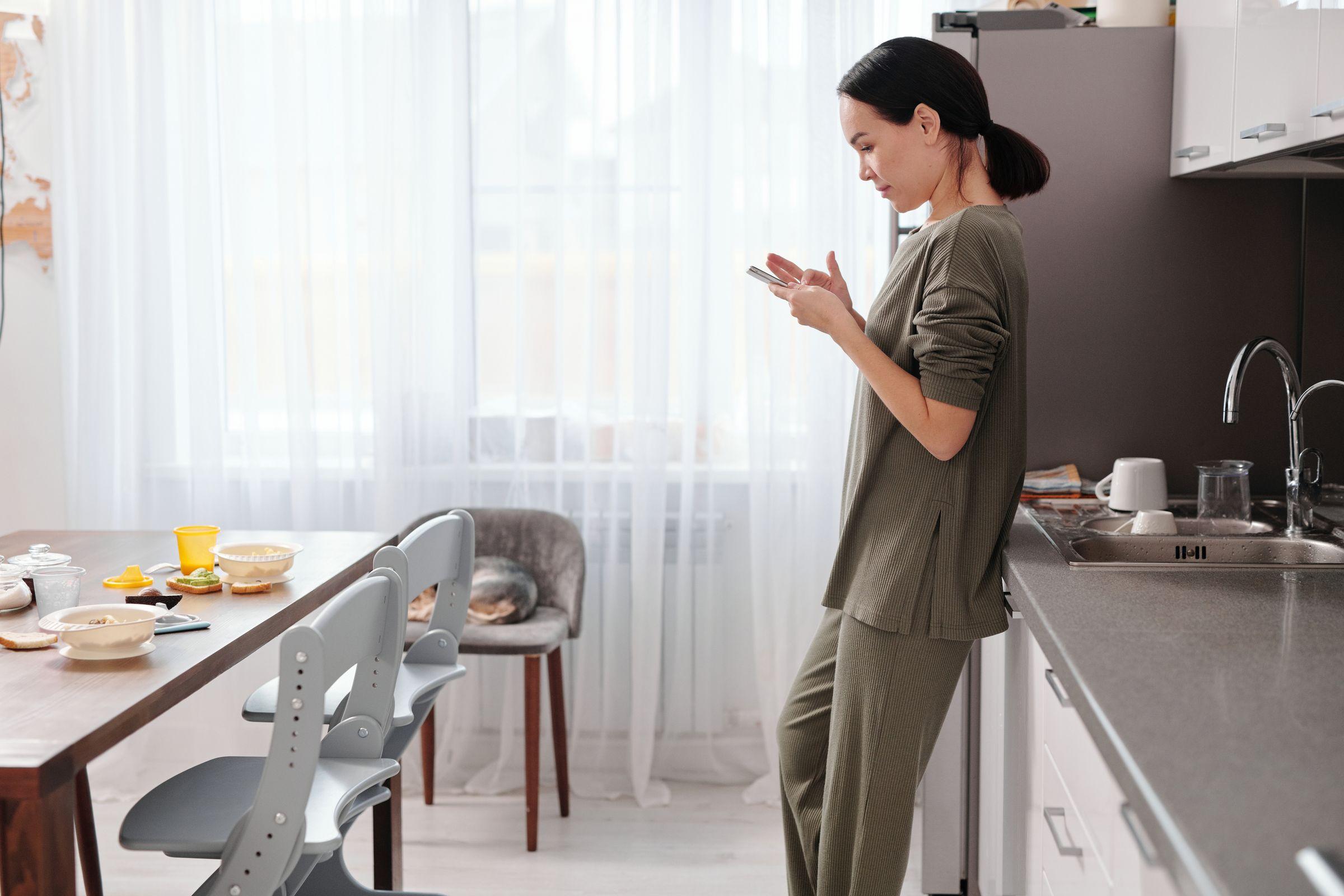
Every family reached with notices and consent forms, with slips that come back on paper marked as received.
How Slooch Notices works
A mother standing at the counter of a bright, tidy kitchen reading her phone, the breakfast table and a child's chair beside her

Slooch Documents

Reports and letters home, and who opened them.

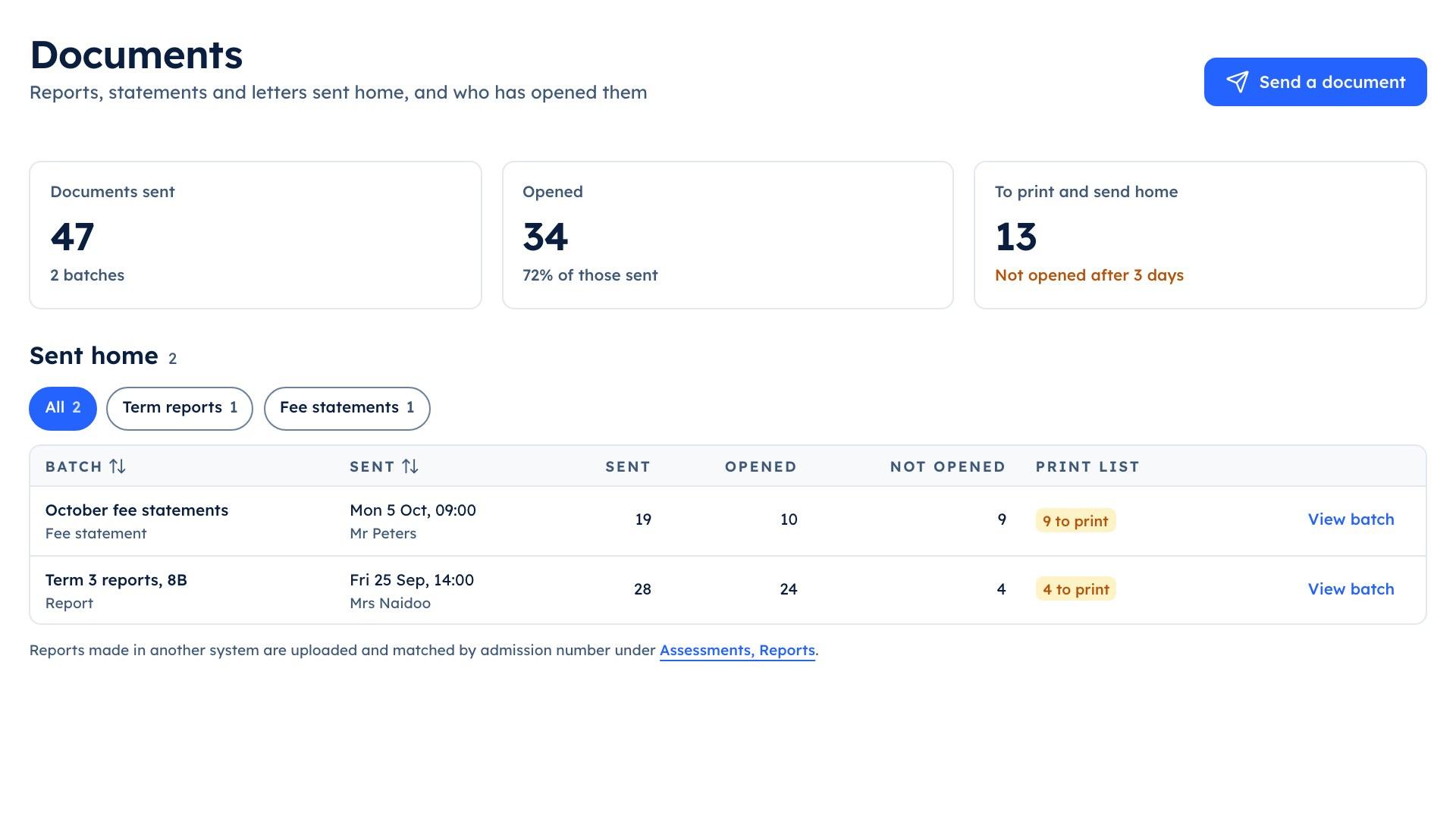
Reports and letters home without printing, and a print list only for the families who have not opened them.
How Slooch Documents works
The school portal's Documents screen listing the Term 3 reports for 8B, 24 of 28 opened, and the October fee statements

Term 3 reports | 8B

  • Opened 24 of 28
  • Print list for the rest

Slooch Register

Every register taken, and the office's view by 08:00.

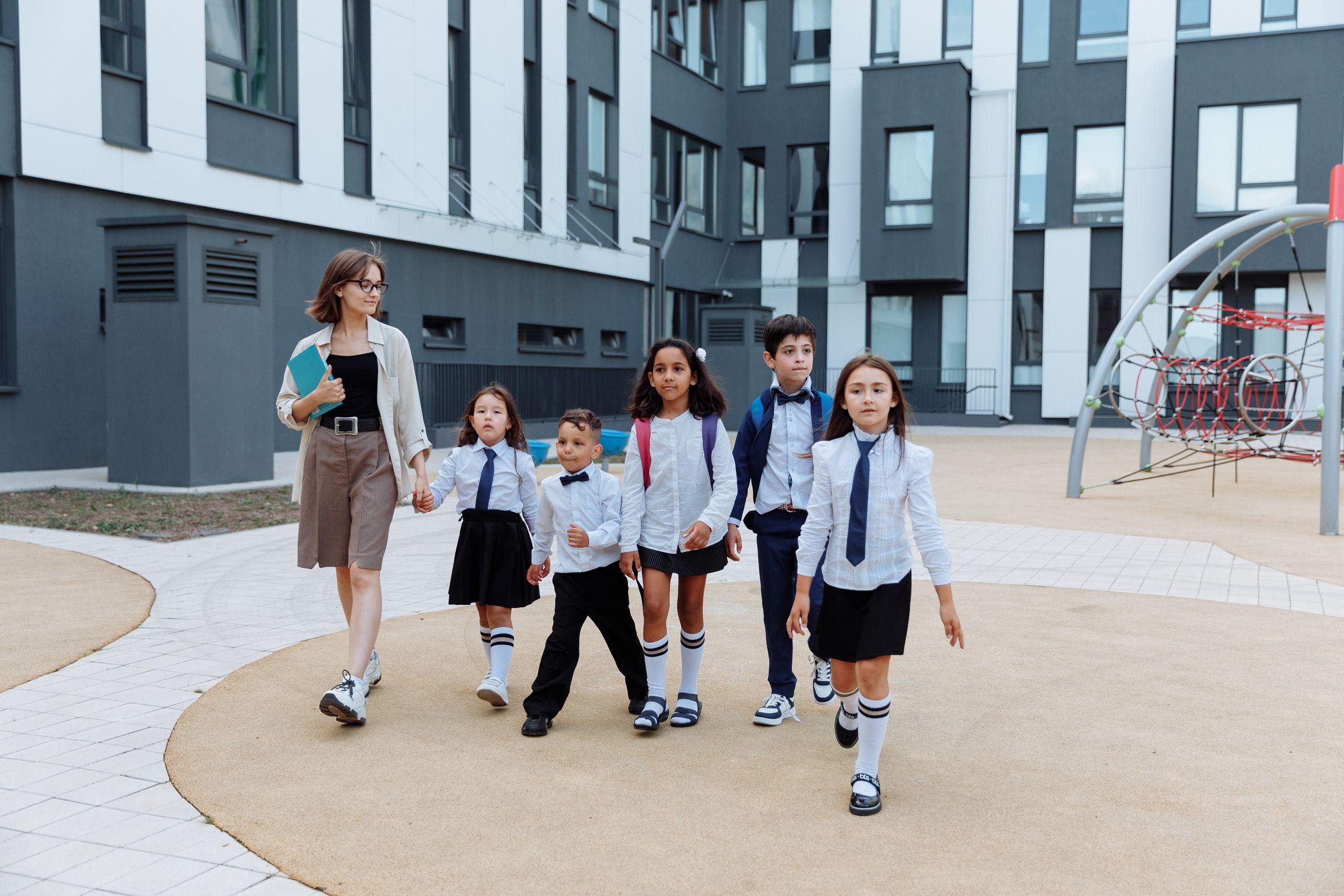
Registers on the teacher's phone, the office's view by 08:00 and one absence message a day to each family.
How Slooch Register works
A teacher walking five young learners in white shirts, ties and a navy blazer across a paved school courtyard, a modern school building and a climbing frame behind them

Slooch Fees

Every charge and payment matched for the bursar.

School fees matched to each payment, with exemption applications and reminders to the unpaid only.
How Slooch Fees works
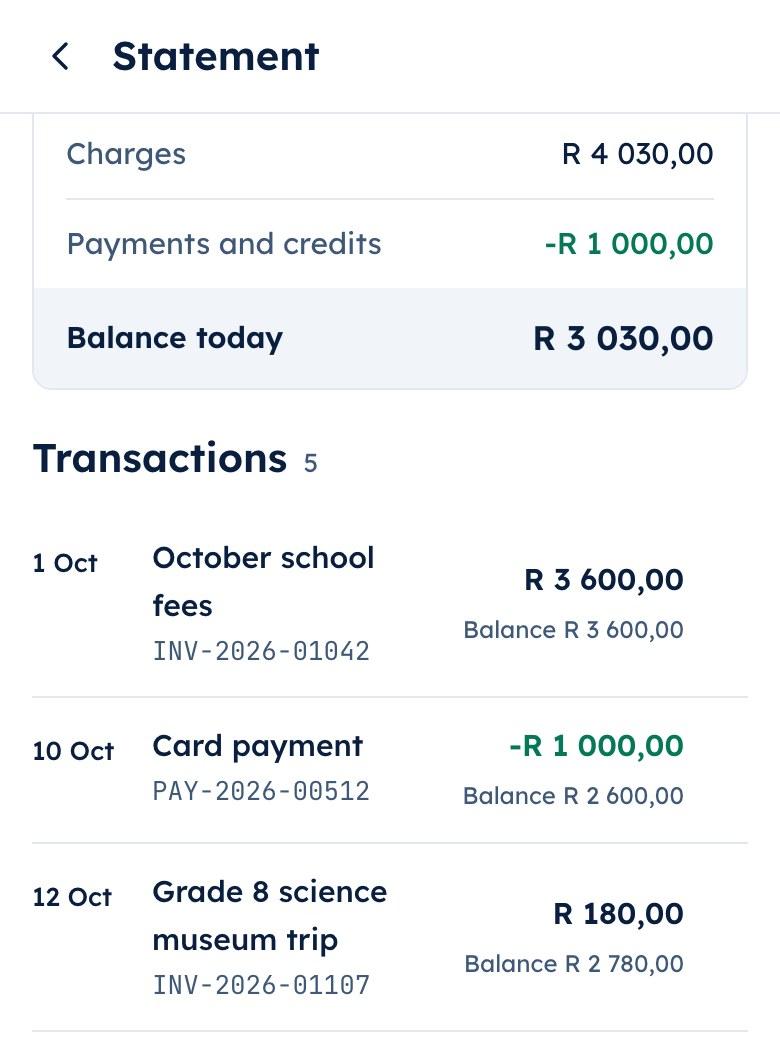
The parent app's family statement listing October school fees, a card payment and the museum trip charge

Family statement

  • Card payment matched
  • Museum trip charge

What schools ask

What stays where it is

  • SA-SAMS stays official

    Built
    SA-SAMS stays the school's official system for the department. Slooch reads learner, family and staff lists from an SA-SAMS export.
  • Details to update in SA-SAMS

    Built
    When a family changes its number in the app, the office gets a list of details to update in SA-SAMS.
  • The department's attendance export

    Planned
    The attendance export for the department will come from Slooch.
  • Escalation letters

    Planned
    Letters will go out when a learner reaches an absence threshold the school sets.
A father in a navy suit reading a message on his phone on a city terrace in the morning, office buildings softly out of focus behind him

How it works

How a fee-paying public school starts

Step 1 of 5

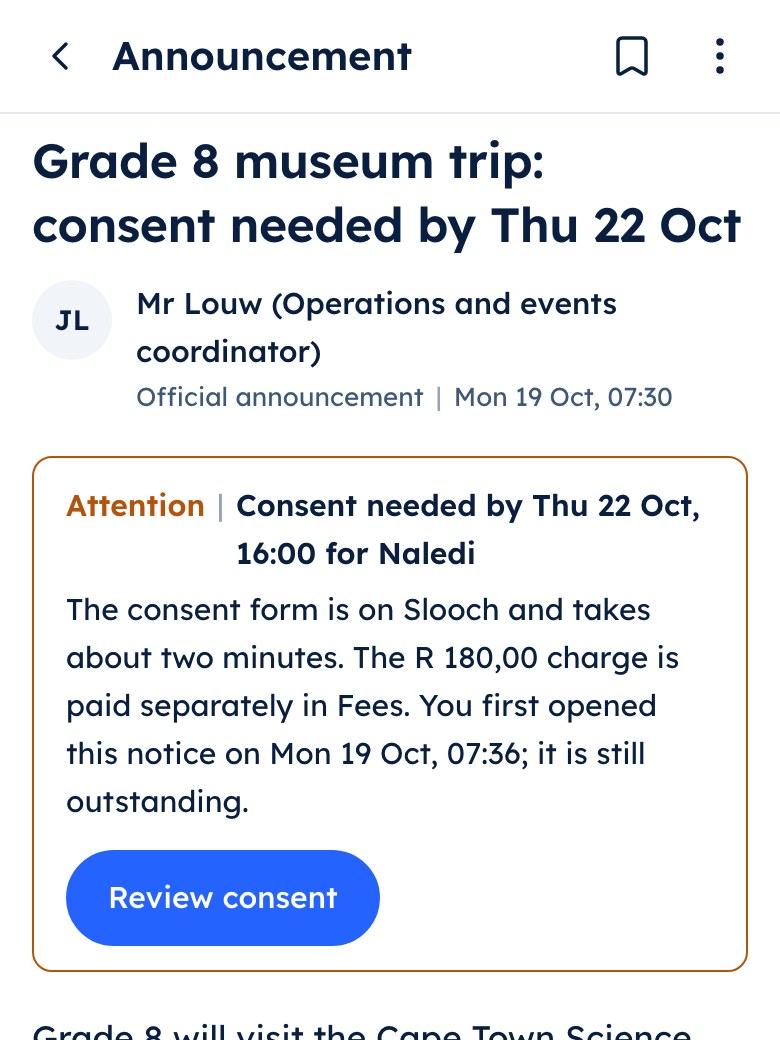
The parent app showing the Grade 8 museum trip notice with a consent form and a charge listed under it

Step 1

The SGB and the principal see a walkthrough

A week at a school on Slooch, with a teacher and the office in the room.
A father sitting on the arm of a grey sofa in a light, well-kept living room, reading something on his phone

Step 2

The family list comes across

From an SA-SAMS export, checked by the office. Connect needs nothing more.
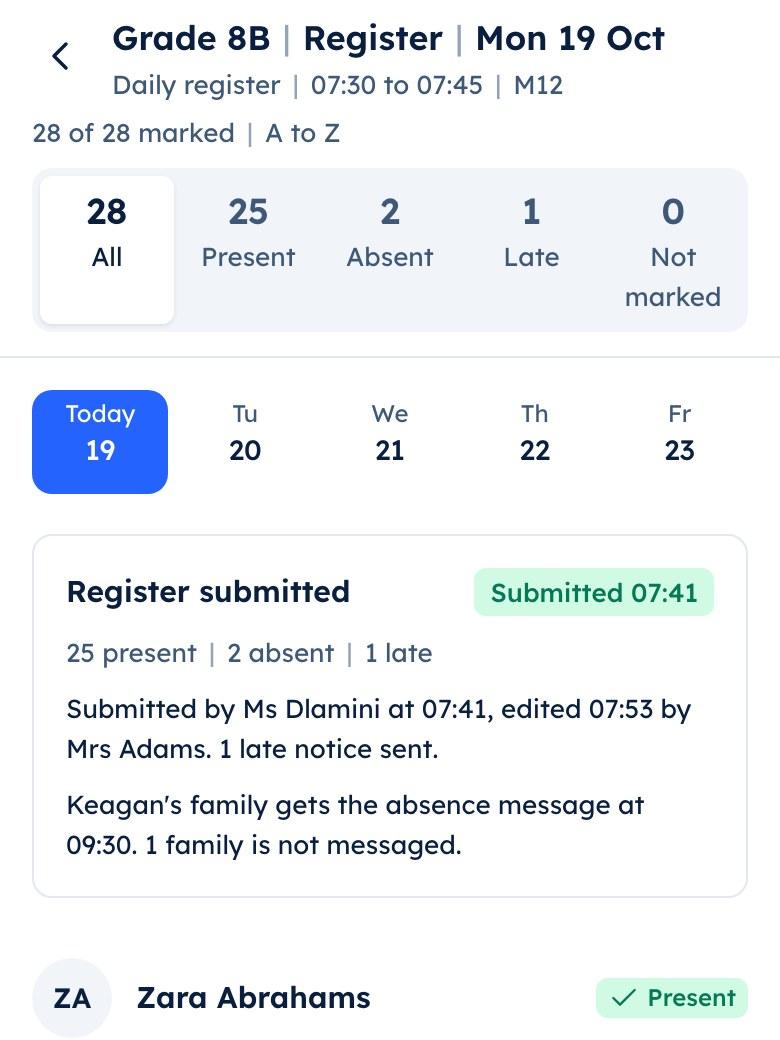
The teacher app's class register with most learners present and two marked absent

Step 3

Families are invited

The launch pack carries the letter, the WhatsApp text, the poster with its QR code and the welcome notice.
A woman at a tidy office desk working a calculator beside her computer, a statement under her hand

Step 4

Register goes live

Teachers take the register on their phones, and the office sees every class by 08:00.
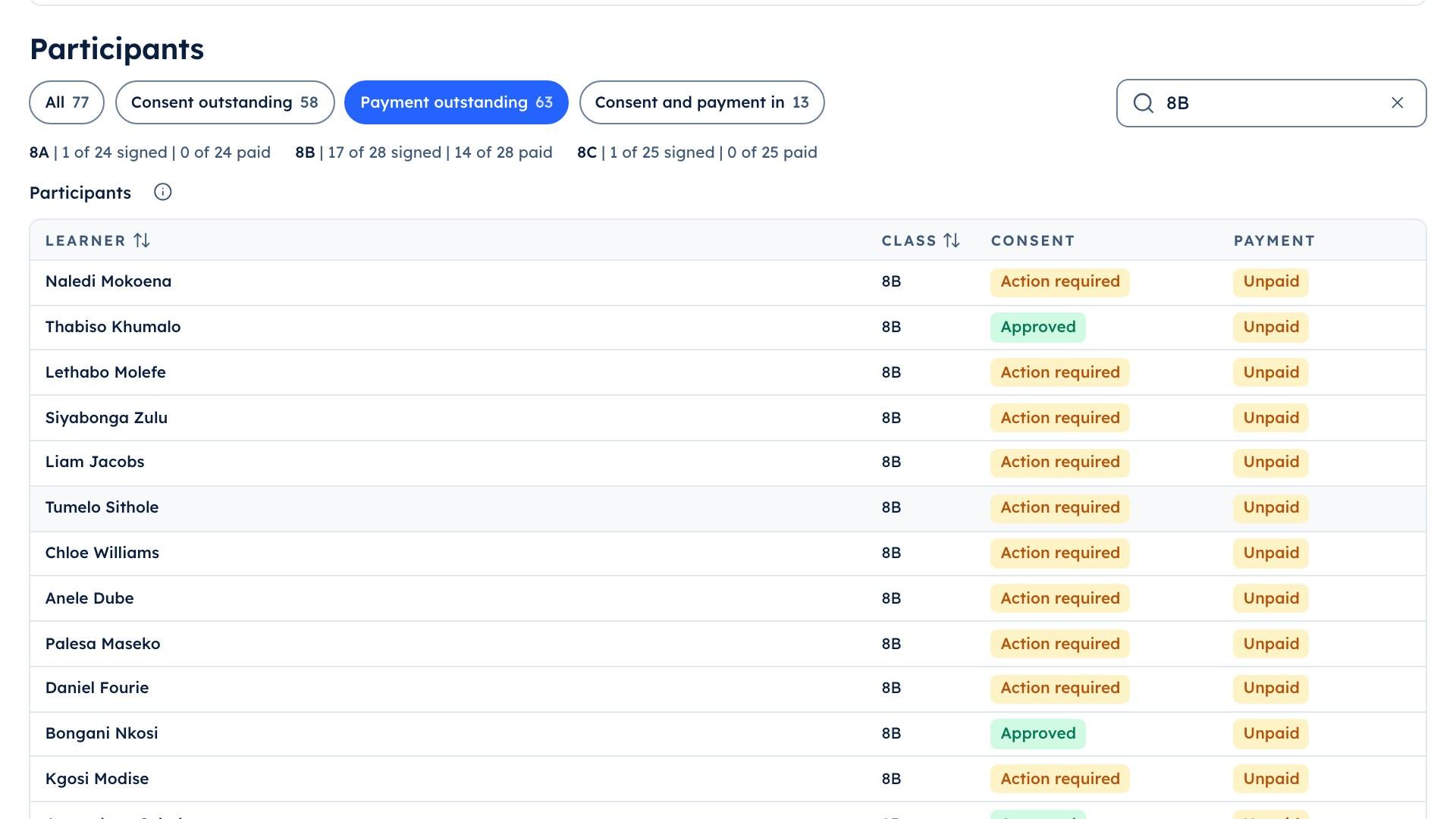
The school portal's trip list for 8B, showing the 14 learners whose trip payment is still outstanding

Step 5

Fees when ready

The bursar switches Fees on at the start of a term.

Questions

Questions schools ask

Do we have to stop using SA-SAMS?

No. SA-SAMS stays the school's official system for the department. Slooch reads from an SA-SAMS export and gives the office a list of family details to update there.

Can families apply for a fee exemption in the app?

Yes. A family applies for an exemption or a bursary from the fees screen, and the bursar decides each application.

What if some families have no smartphone?

Slips that come back on paper are marked as received by a named member of staff, and the office gets a print list of the families who have not opened a document. Delivery by WhatsApp, email and SMS is planned.