Slooch Documents
Term reports in every family's app.
Reports, letters and statements sent home without printing, with proof of who opened them.


Overview
Reports and statements home, without the printing.
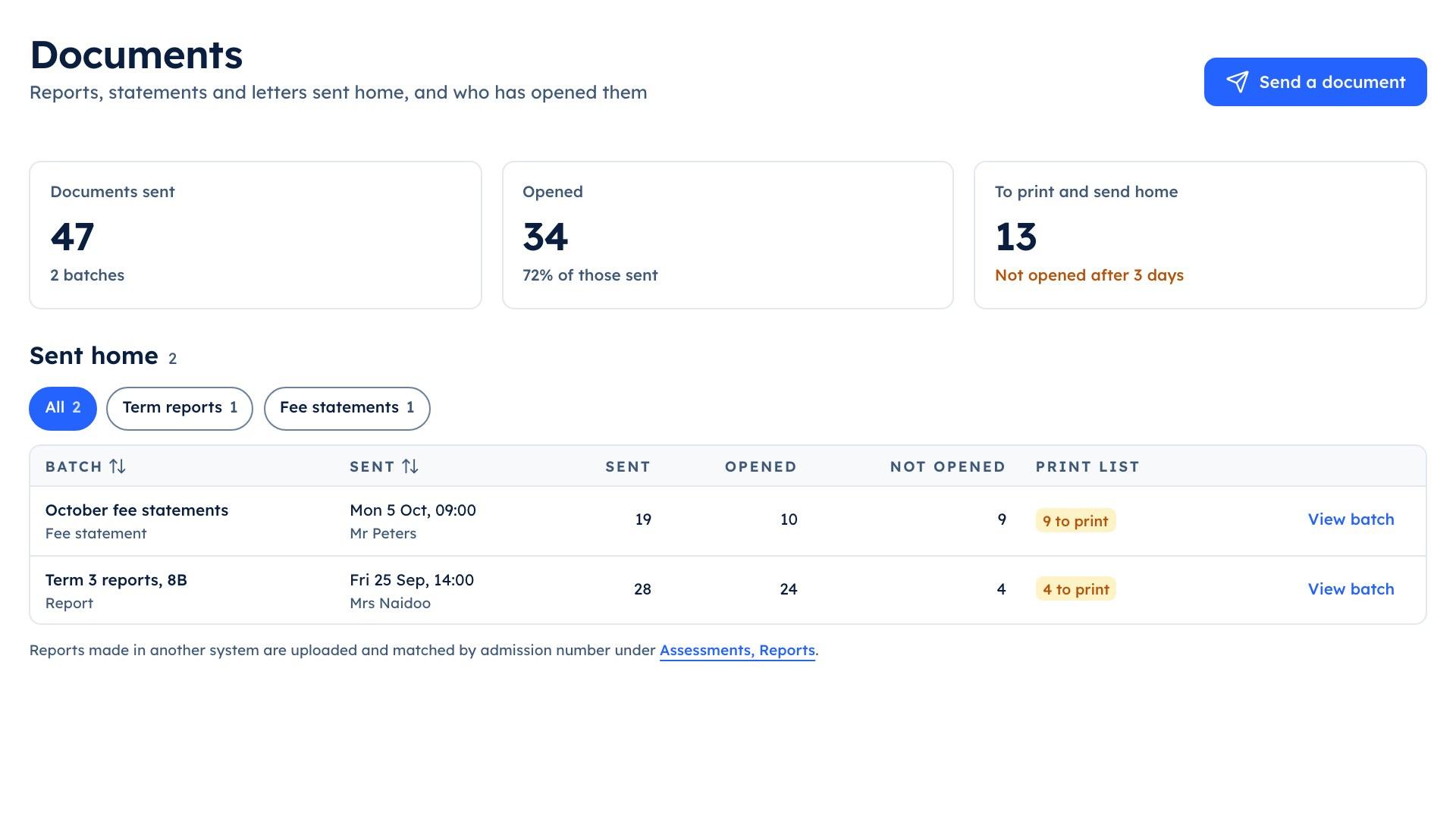
Each family gets its own child's report in the app, as its own document. The office sees which families have opened it, and prints only for the ones who have not.
Term 3 reports | 8B
- 24 of 28 opened
- 4 on the print list
What it does
What Slooch Documents does
Built is in the product today. Planned is not built yet, and is written as what it will do.
Reports and letters home, and who opened them.
Term reports to each family
BuiltEach family gets its own child's report as its own document in the app.Office letters and fee statements
BuiltThe office sends a letter to one family or many, and statements each month.Documents that need a signature
PlannedSupport plans and policies will ask the family to sign in the app.Who has opened it
BuiltEach batch shows who has opened it and who has not.
Documents
- Documents that need a signaturePlanned
- Reports made elsewhereBuilt
- Who has opened itBuilt
A print list of the unopened
BuiltPrint only for the families who have not opened it.Reports made elsewhere
BuiltReports from another system are matched to each learner by admission number.
Print only the reports nobody has opened.
Each batch shows which families have opened it and which have not. The print list holds the reports of the families who have not opened theirs, and nobody else's.
- Who has opened it, batch by batch
- Each family's own child's report, never a class list
- A lock screen that says only that a private update is waiting

Letters and statements go home the same way.
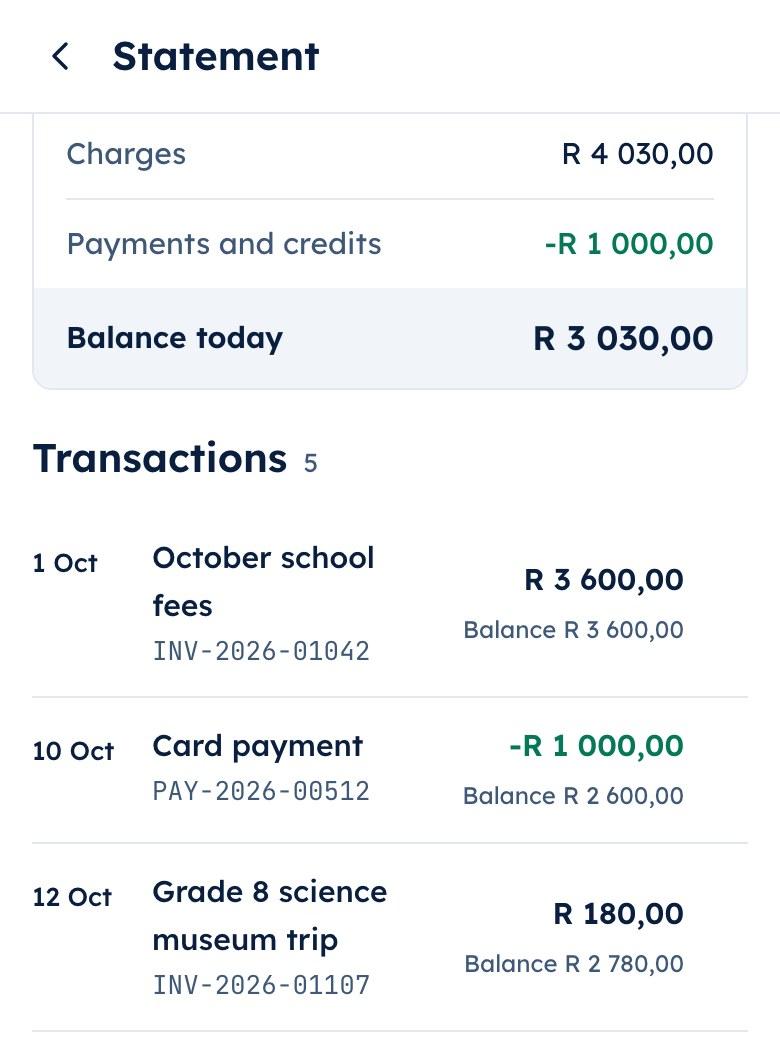
The office sends a letter to one family or many, and the statements each month, to each family's app with its date and who sent it.
- Reports made elsewhere, matched by admission number
- Signatures on support plans and policiesPlanned
How it works
How it works, in order
The last Thursday of term at an example school.
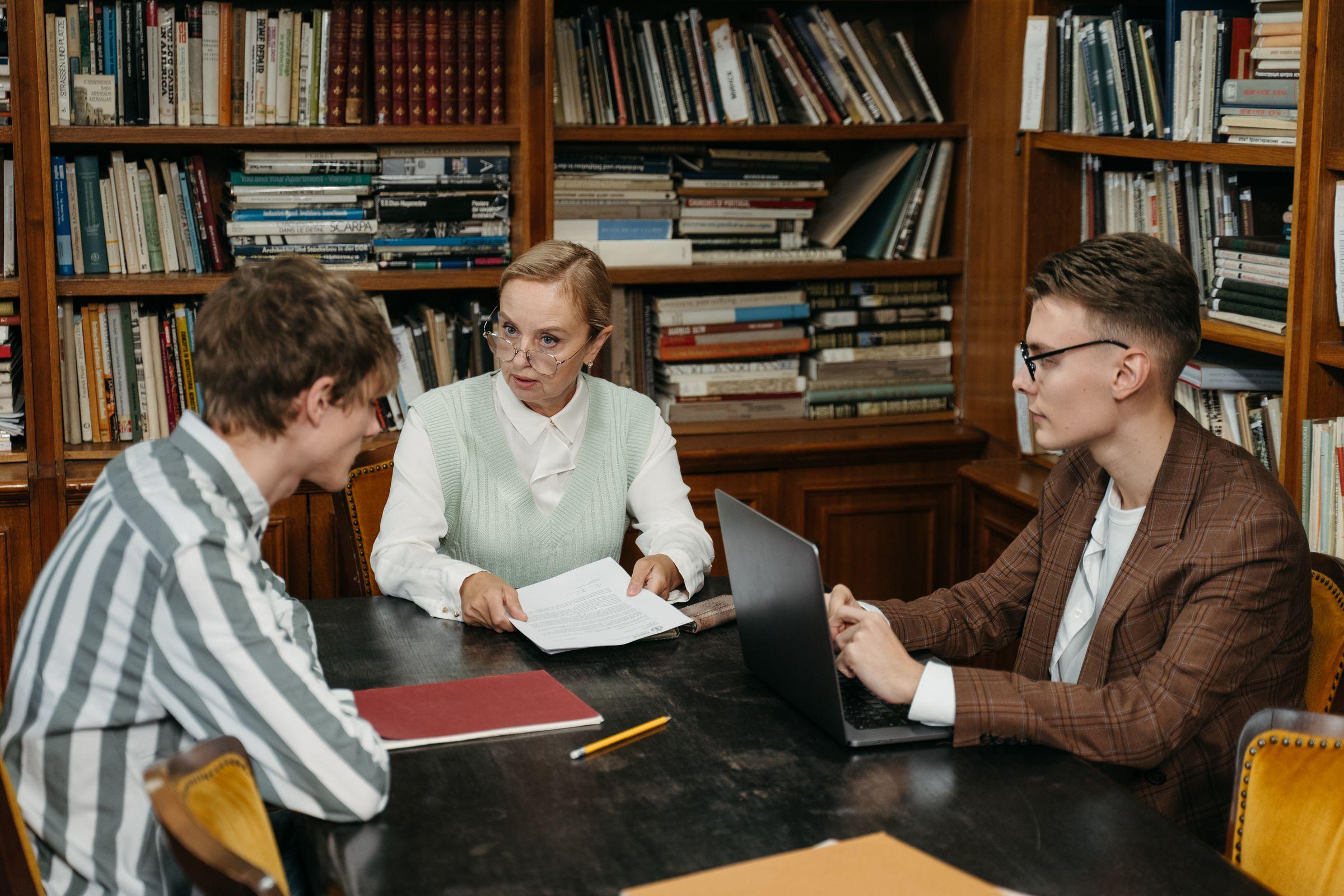
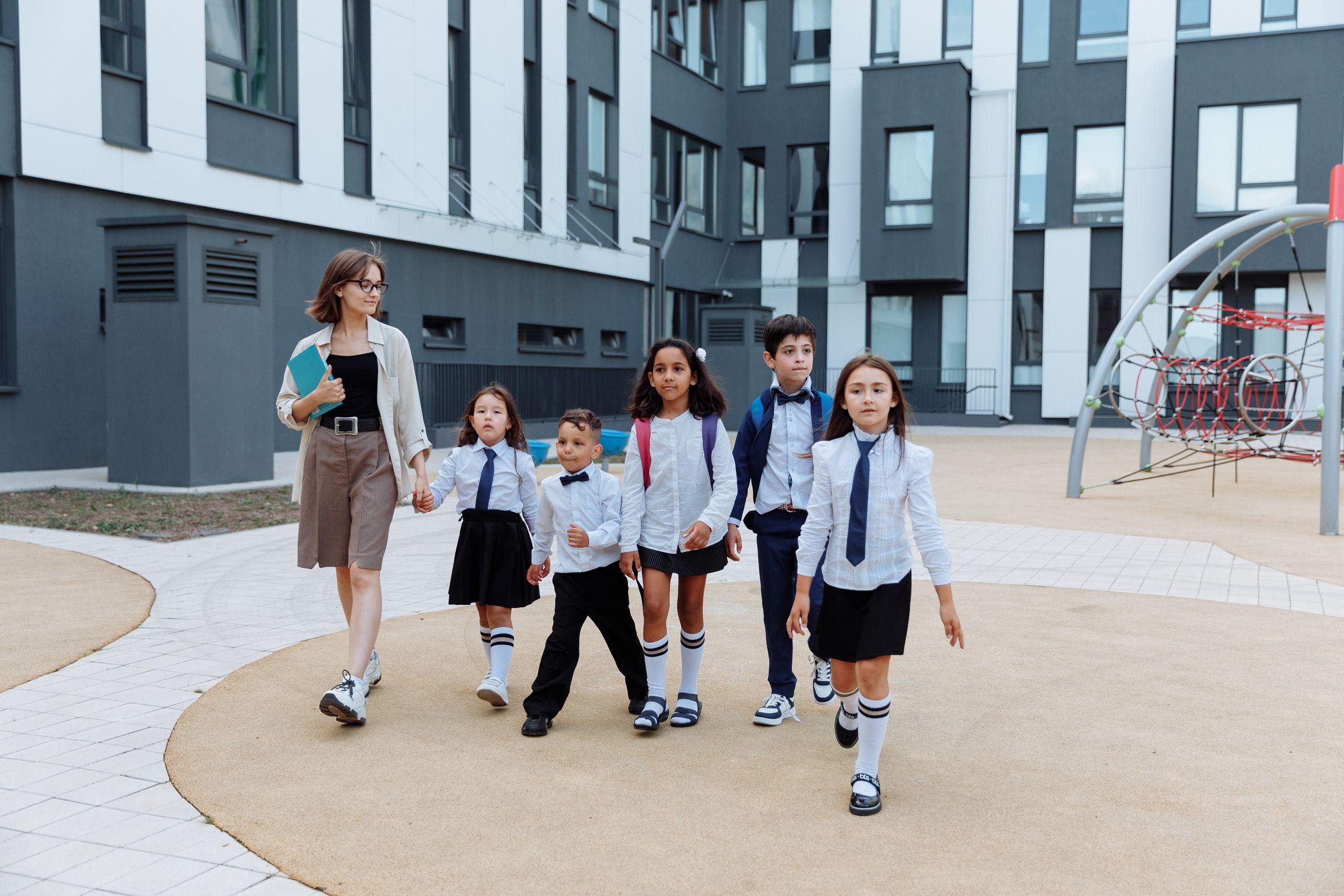
The reports are signed off
Mr Roberts, the deputy principal, signs off the Grade 8 reports in the gradebook.The office sends them as one batch
Mrs Adams sends the Term 3 reports as one batch per class. Each family gets its own child's report as its own document, never a class list.Parents open them in the app
Lerato Mokoena opens Naledi's report in the parent app. Her phone's lock screen said only that a private update from the school was waiting.The office sees who has opened it
By the afternoon the 8B batch shows which families have opened the report and which have not.The office prints for the rest
Mrs Adams prints the print list: the reports of the families who have not opened theirs, and nobody else's. They go home with the learners.
Who uses it
Where each person sees it
Every part comes with the parent and learner apps, free for every family.
School portal
The office, in the school portal
Works with
SA-SAMS, d6, Ed-Admin and Xero are the names of their owners' products. Slooch is not affiliated with or endorsed by any of them.- Reads from SA-SAMSBuilt
- Reads from d6Planned
- Reads from Ed-AdminPlanned
Reports made in another system are uploaded once and matched to each learner by admission number.
Takes over
- Printing and posting reports
- Paper letters home
- Emailed statements
Slooch runs beside what the school uses today, and takes over only when the school is ready.
Questions
Questions schools ask
Can we send reports we make in another system?
Yes. Upload the reports from the system you use today, and Slooch matches each one to its learner by admission number. Any it cannot match are listed for the office to check.
Does each parent see only their own child's report?
Yes. Each family gets its own child's report as its own document. A guardian the school has not given academic access does not see it.
How do we know a report was opened?
Each batch shows who has opened it and who has not, by class. Opening is shown apart from sending, so a sent report is never counted as read.
What about families who never open it?
Print the print list. It holds only the families who have not opened the document, so the office prints a handful instead of the whole grade.
Can we send a letter to one family?
Yes. The office sends a letter to one family or to many, and fee statements go out each month.
Can a parent sign a document in the app?
Not yet. Documents that need a signature, such as support plans and policies, are planned. Consent forms are signed in the app today, through Slooch Notices.
Does a report show on the phone's lock screen?
No. The preview says that a private update from the school is waiting. The report opens only inside the app.
Which package includes Documents?
Documents comes with Notices in Slooch Connect, and in every package above it. It can also be bought alone.
The other parts
Every part reads and writes the same families, learners and staff, so adding one is a setting.
- NoticesWho has read it, signed it and done it.Channels planned
- FeesEvery charge and payment matched for the bursar.Built
- RegisterEvery register taken, and the office's view by 08:00.Built
- AdmissionsFrom the first enquiry to the signed enrolment.Built
- SitesThe school's page, kept current by its notices.Full site planned
- AssessmentsSet, mark and give out for the whole grade.Built
- TimetableBuilt, checked for clashes and on every phone.Built