Slooch Sites
The school's page, kept current by its notices.
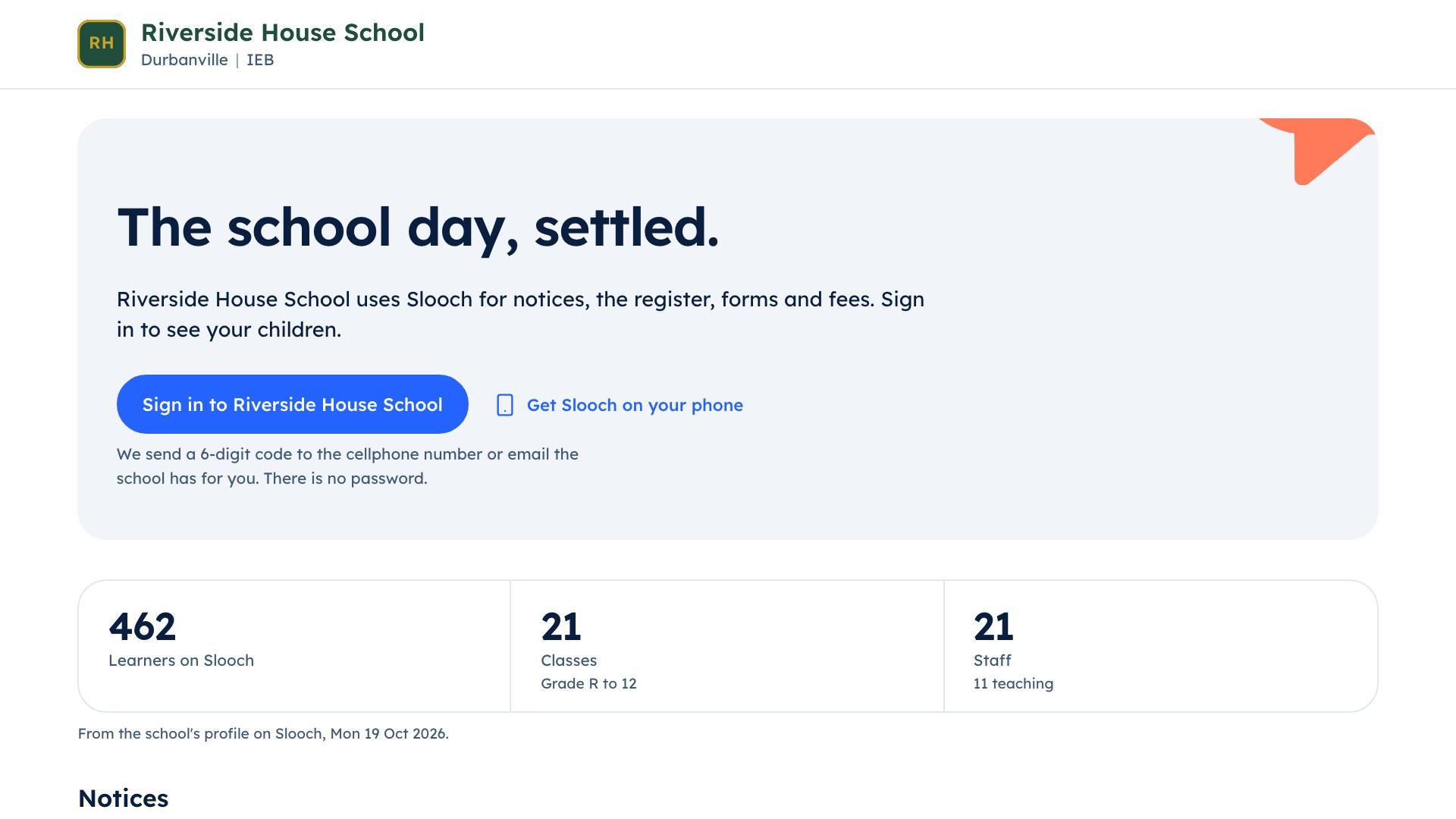
The school's page shows the notices the office marks for it and the term dates, so it never falls a term behind.


Sites
- The school's pageBuilt
- Notices and term datesBuilt
- Templates and the buildPlanned

Overview
A school page that never falls a year behind.
The page shows the notices the office marks for it and this term's dates, because both come from Slooch. When the office changes a date, the page changes with it.
The school's page
- Notices marked for the page
- This term's dates
What it does
What Slooch Sites does
Built is in the product today. Planned is not built yet, and is written as what it will do.
The school's page, kept current by its notices.
The school's page
BuiltA page at name.slooch.app, or on the school's own domain.Notices and term dates
BuiltNotices the office marks for the site and the term dates appear on the page.Enquiry form into Admissions
PlannedAn enquiry form on the page will send each enquiry to Admissions.News to social pages
PlannedNews will go to the school's social pages from the same notice.

Templates and the build
PlannedSlooch services will build the full website for the school.
Tick a box and the notice goes up.
Mrs Adams writes the open day notice and ticks Show on the school's page. Once it is sent, it sits beside the term dates and the office's contact details.
- Term dates that change when the office changes them
- The office's contact details on the page
- News to the school's social pagesPlanned
The page lives on the school's own domain.
The school's page sits at name.slooch.app or on the school's own domain, and the office sees a preview of it and which notices show. A full website built for the school is planned.
- A preview before anything shows
- An enquiry form into AdmissionsPlanned
- The full website buildPlanned
Sites
- The school's pageBuilt
- Enquiry form into AdmissionsPlanned
- Templates and the buildPlanned
How it works
How it works, in order
An open day notice on a Thursday at an example school.


The office writes a notice
Mrs Adams writes the notice about the open day and ticks Show on the school's page.It appears on the page
The notice appears on the school's page once it is sent, beside the term dates and the office's contact details.The dates stay right
When the office changes a term date in Slooch, the page shows the new date.A visiting family finds it
A family looking at the school sees this term's open day and the office's number, not last year's.Enquiries
An enquiry form on the page, sending each enquiry to Admissions, is planned.
Who uses it
Where each person sees it
Every part comes with the parent and learner apps, free for every family.
The school's page
Families and visitors, on the school's page
Works with
Nothing to bring across: the page reads the notices and term dates already in Slooch.
Takes over
- The website vendor
- Website updates by email
Slooch runs beside what the school uses today, and takes over only when the school is ready.
Questions
Questions schools ask
Is this a full website?
Today it is the school's page: the notices the office marks for it, the term dates and the office's contact details. A full website, built for the school by Slooch services, is planned.
Can it use our own domain?
Yes. The page sits at the school's slooch.app address or on the school's own domain.
Who decides what goes on the page?
The office. A notice appears on the page only when the office ticks Show on the school's page.
Can a private notice appear on it?
No. Only the notices the office marks for the page appear there. A notice to a class or one family never does.
Can families enquire from the page?
Not yet. An enquiry form that sends each enquiry to Admissions is planned.
Can it post to our social pages?
Not yet. Sending news to the school's social pages from the same notice is planned.
We already have a website. Do we need Sites?
Every school on Slooch has its page, and it can sit beside the website you have. The school can link to it from its own site for notices and term dates.
Which package includes Sites?
The school's page comes with every package. A full website on the school's own domain, with the build, is an add-on that is included at Whole School.
The other parts
Every part reads and writes the same families, learners and staff, so adding one is a setting.
- NoticesWho has read it, signed it and done it.Channels planned
- DocumentsReports and letters home, and who opened them.Built
- FeesEvery charge and payment matched for the bursar.Built
- RegisterEvery register taken, and the office's view by 08:00.Built
- AdmissionsFrom the first enquiry to the signed enrolment.Built
- AssessmentsSet, mark and give out for the whole grade.Built
- TimetableBuilt, checked for clashes and on every phone.Built