Skip to content

Slooch is taking on its first schools for Term 1 2027.

Book a walkthrough

When you need it

A school website that is never out of date.

Families check the school's website for the term dates, and find last year's.
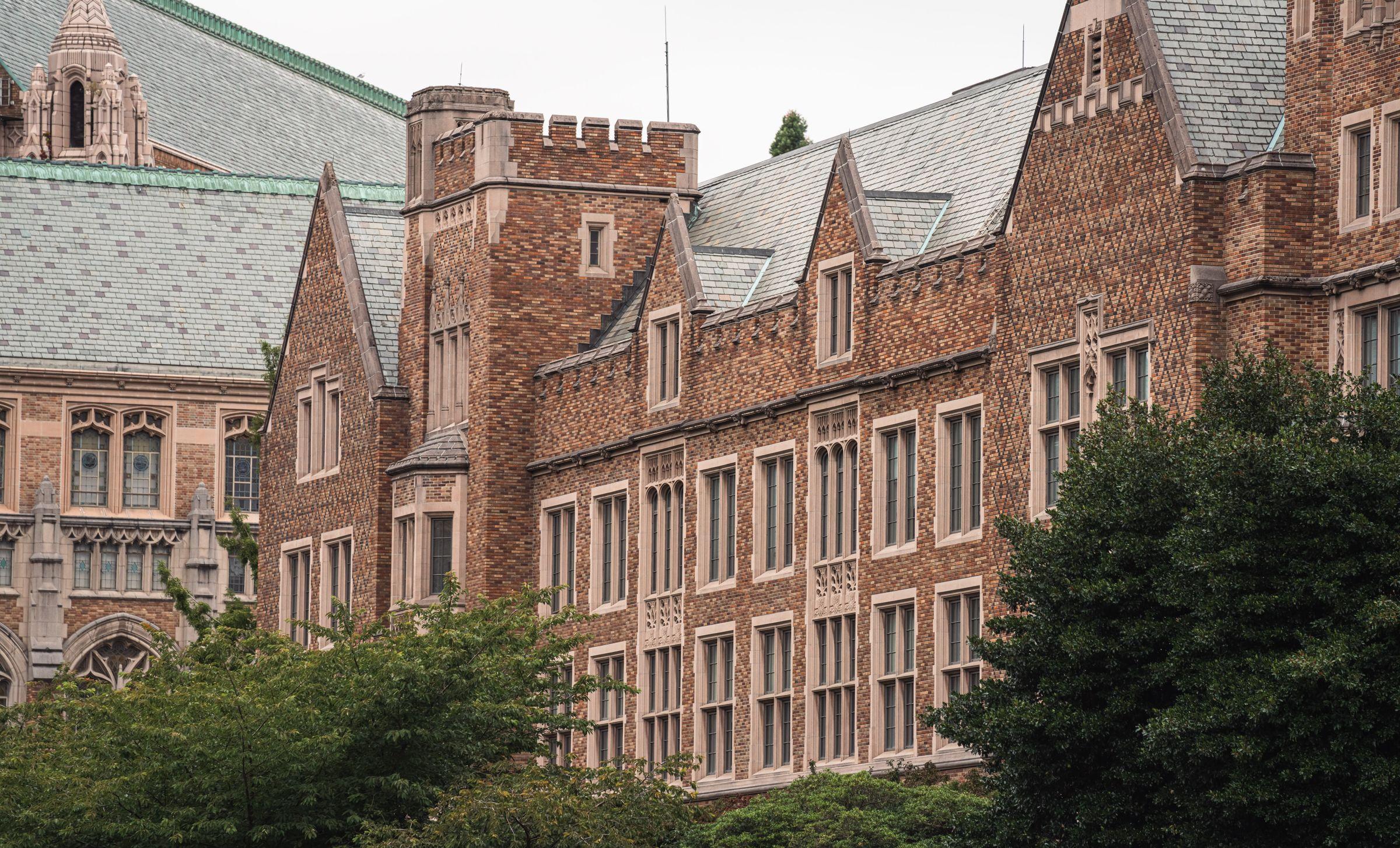
  • A long red-brick school building with slate roofs, gables and stone-framed windows behind mature trees

    Slooch Sites

    The school's page at name.slooch.app or on its own domain, with the notices the office marks for the site and the term dates.
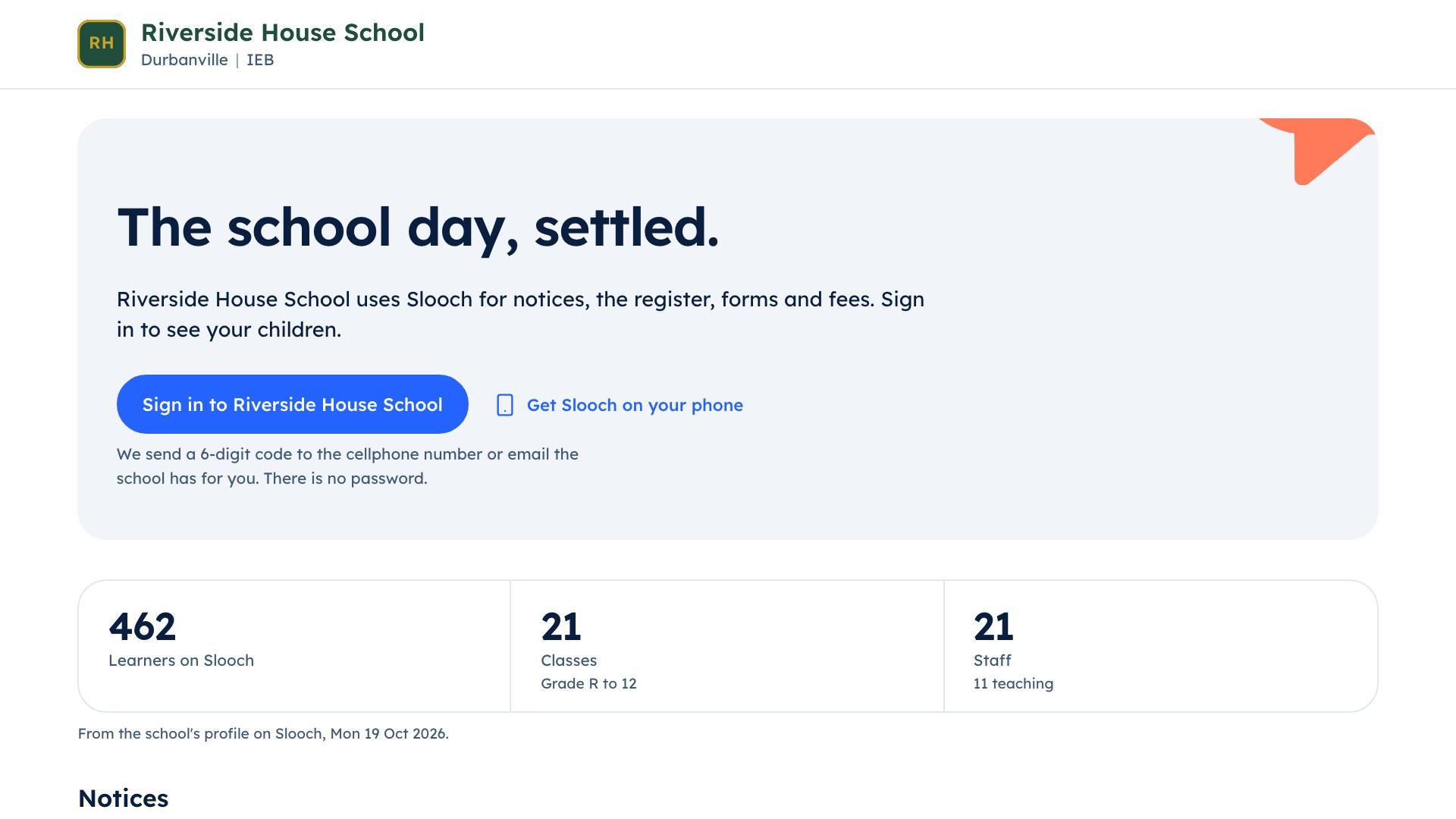
  • Riverside House School's page on slooch.app with its notices and term dates

    Slooch Notices

    A notice the office marks for the site appears on the school's page as it is sent.

  • A mother standing at the counter of a bright, tidy kitchen reading her phone, the breakfast table and a child's chair beside her

    Slooch Admissions

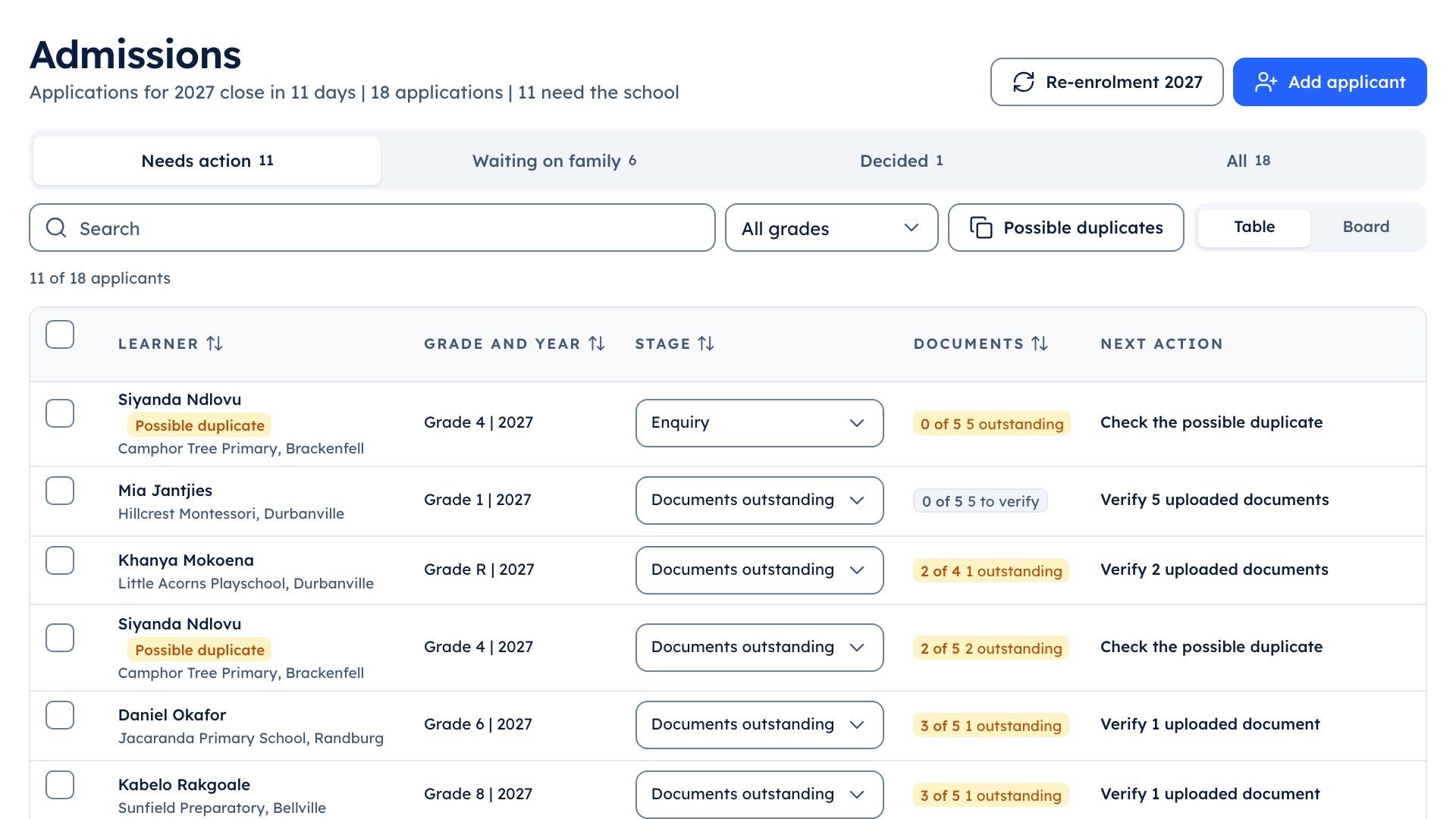
    Applications arrive in Admissions with their documents.

The parts

The parts that answer it

Slooch Sites

The school's page, kept current by its notices.

The school's page at name.slooch.app or on its own domain, with the notices the office marks for the site and the term dates.
How Slooch Sites works
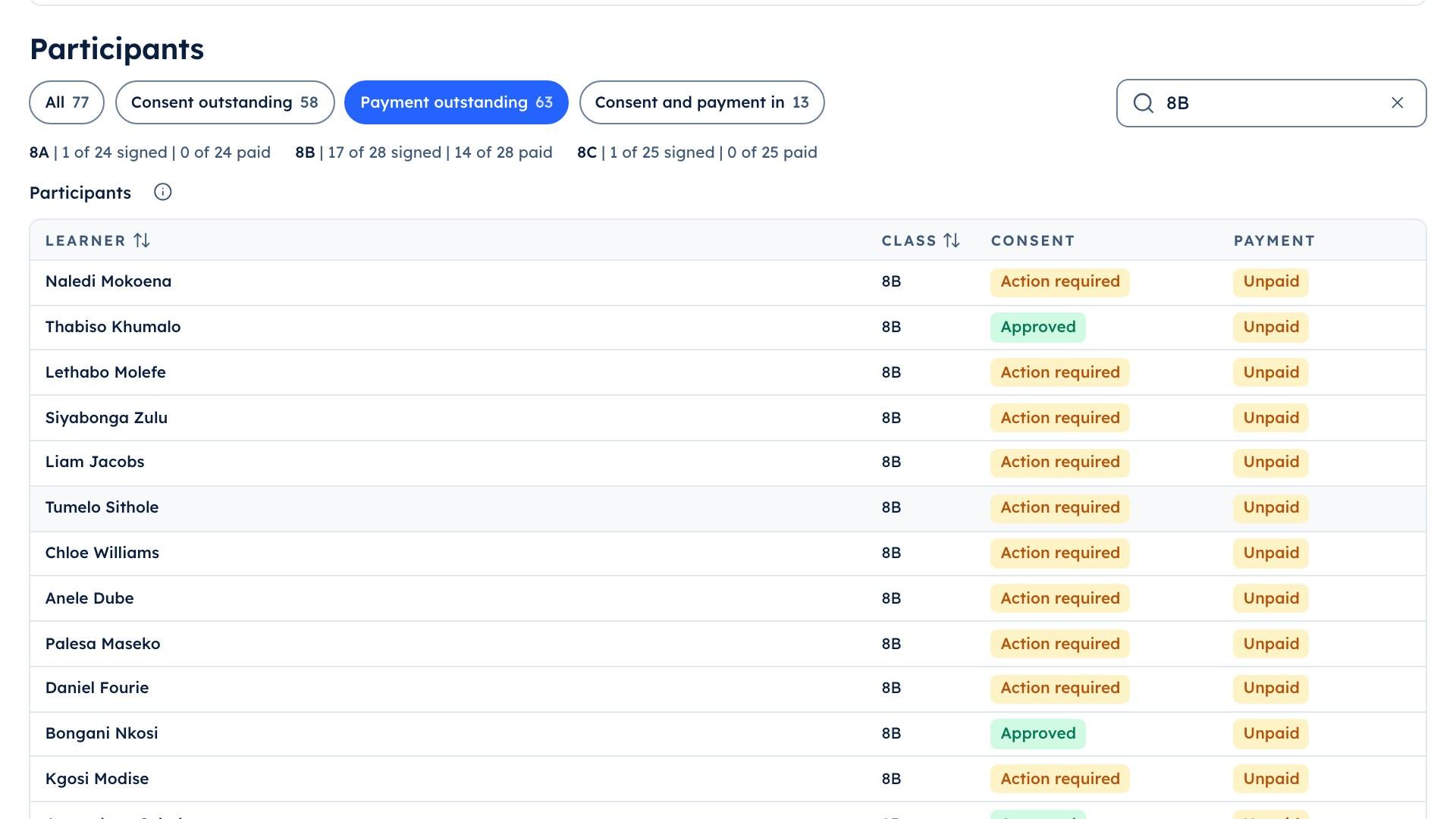
The school portal's trip list for 8B, showing the 14 learners whose trip payment is still outstanding

Museum trip | 8B

  • Paid 14 of 28
  • 14 still to pay

Slooch Notices

Who has read it, signed it and done it.

A notice the office marks for the site appears on the school's page as it is sent.

How Slooch Notices works
A father in a navy suit reading a message on his phone on a city terrace in the morning, office buildings softly out of focus behind him

Slooch Admissions

From the first enquiry to the signed enrolment.

Applications arrive in Admissions with their documents.
How Slooch Admissions works
The school portal's admissions screen listing applicants by stage

Applicants

  • Documents verified
  • Interview to book

Still to come

  • An enquiry form on the school's page will send each enquiry to Admissions.Planned
  • News will go to the school's social pages from the same notice.Planned
  • Slooch services will build the school's full website on its own domain.Planned

How it works

How the page stays current

Step 1 of 4

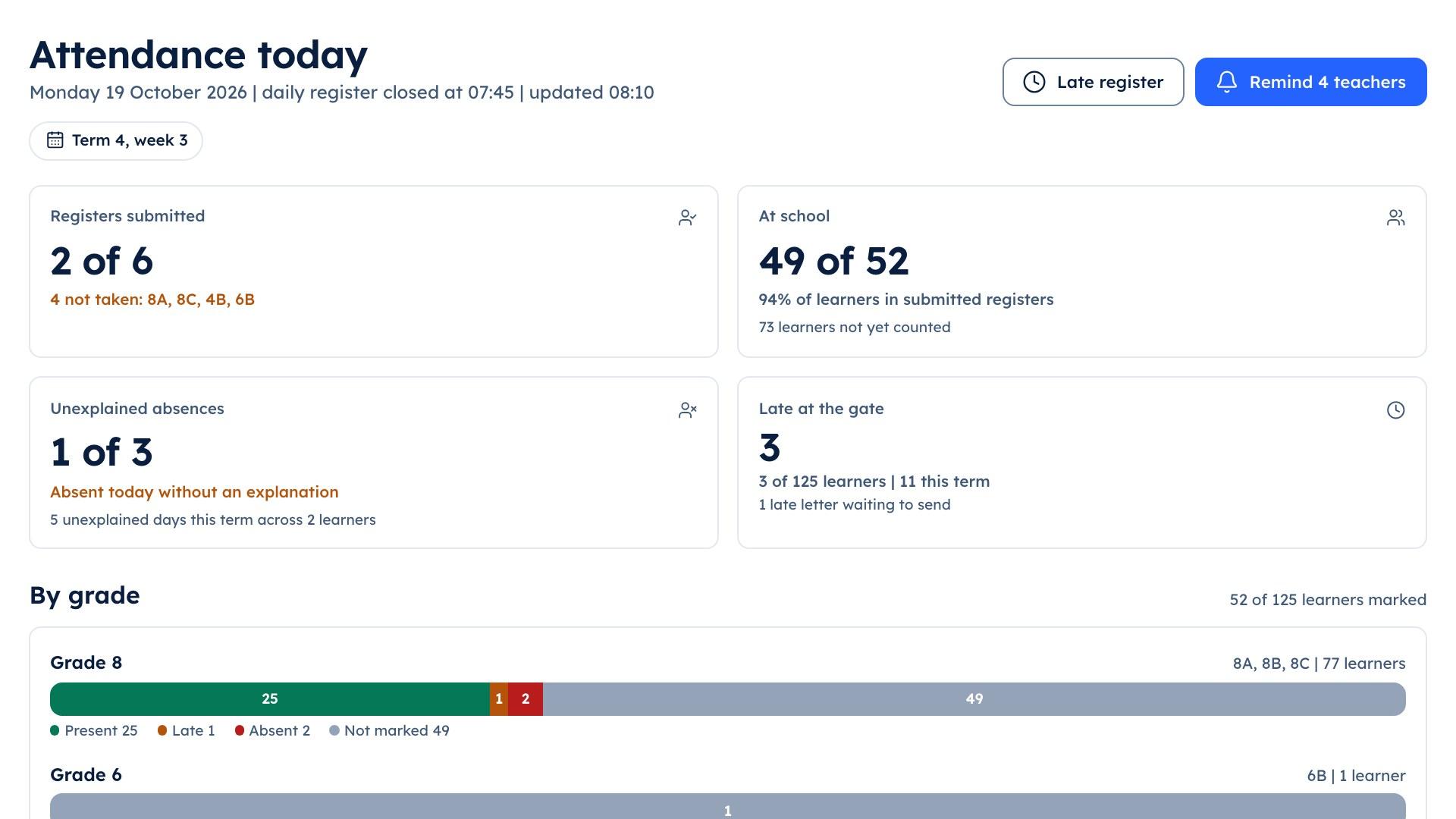
The school portal's attendance screen showing which class registers have been submitted

Step 1

The page is built from the school's details

Name, crest, colours, welcome, town and the office contact.
Rows of boys in blazers, white shirts and ties seated in a hall listening to a speaker out of frame, parents standing at the back

Step 2

The term dates come from Slooch

The same dates families see in the app.
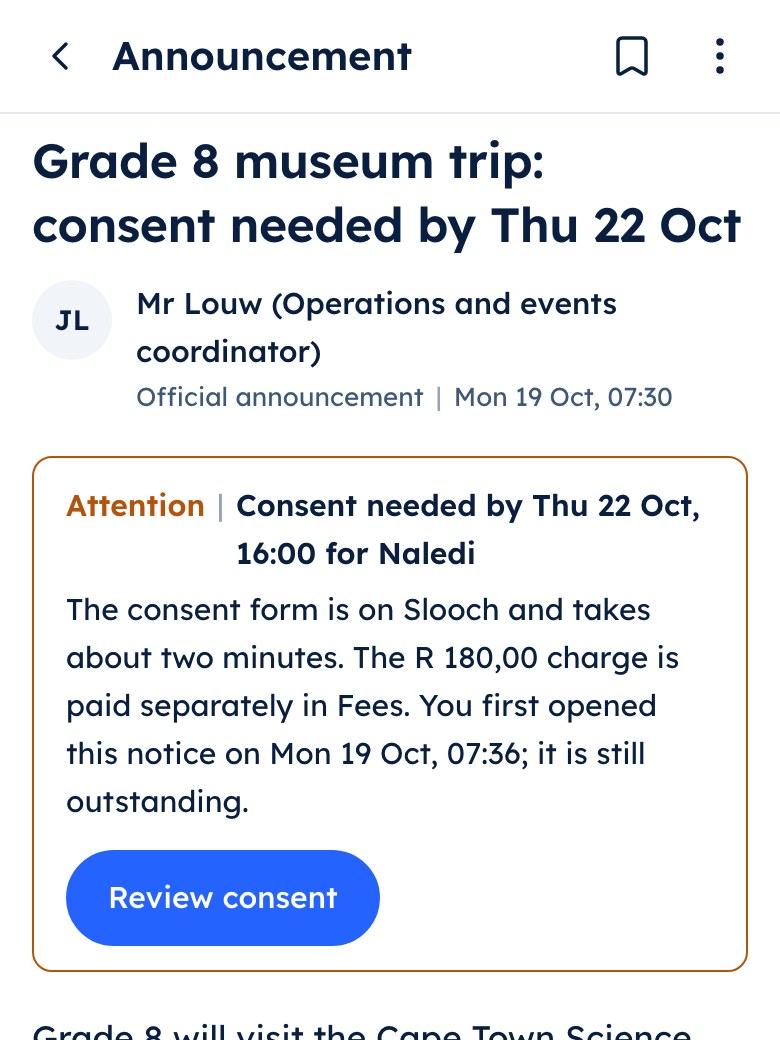
The parent app showing the Grade 8 museum trip notice with a consent form and a charge listed under it

Step 3

Notices marked for the site appear

The office ticks a notice to show it on the school's page.
A receptionist with a tablet talking to a visitor across a clean white front desk

Step 4

Nothing to send to a vendor

The page changes when the school's notices and dates do.