Slooch Timetable
Clashes found before the timetable goes out.
The timetable built, checked for clashes and on every phone.


Timetable
- Clash detectionBuilt
- Room changes and coverBuilt
- Exam timetablesBuilt

Overview
The January clashes found before day one.
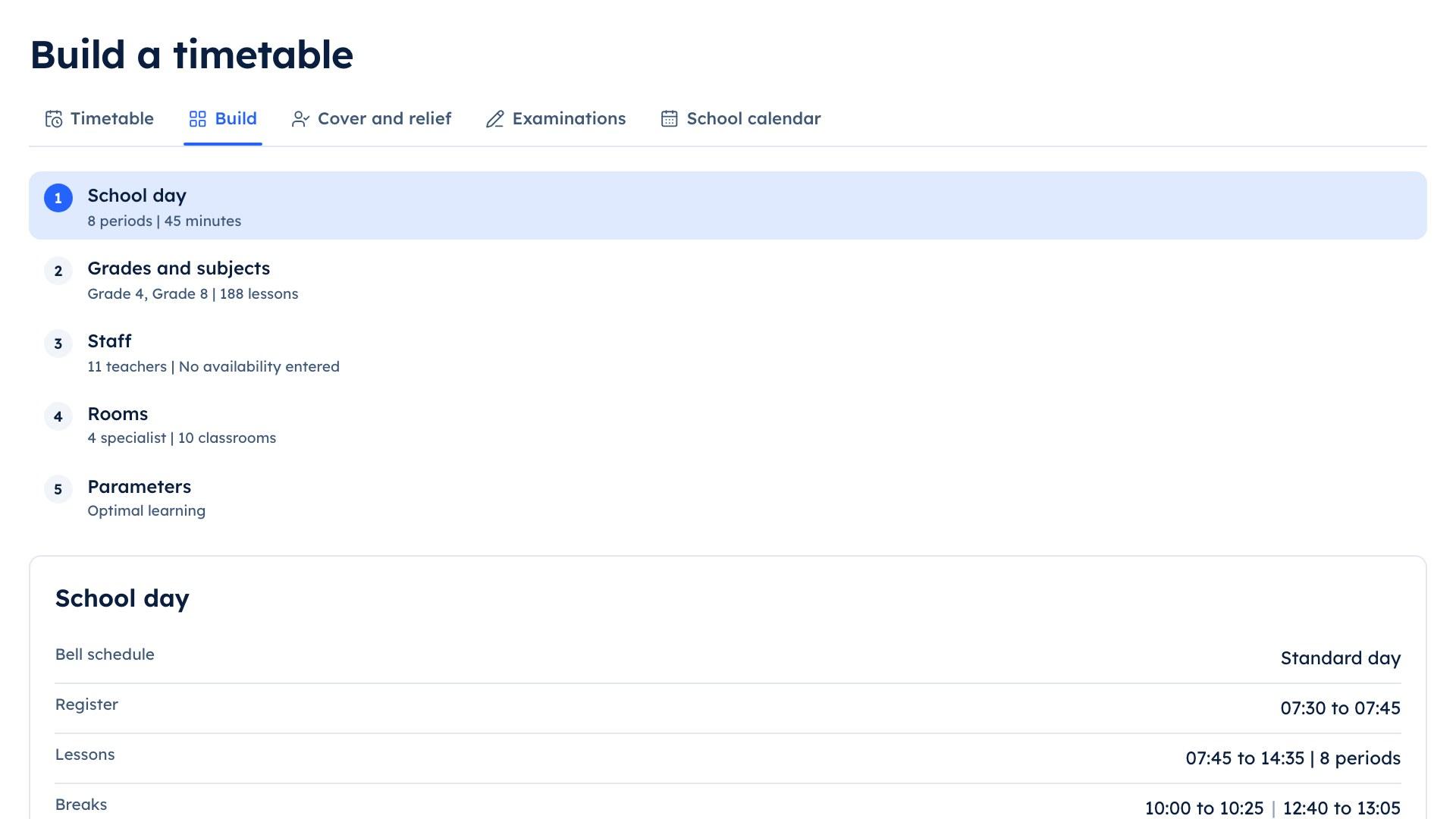
The deputy sets the rules and the solver builds a timetable that meets them, showing every clash it could not avoid. Once it is published, every learner and teacher sees their own day on the phone.
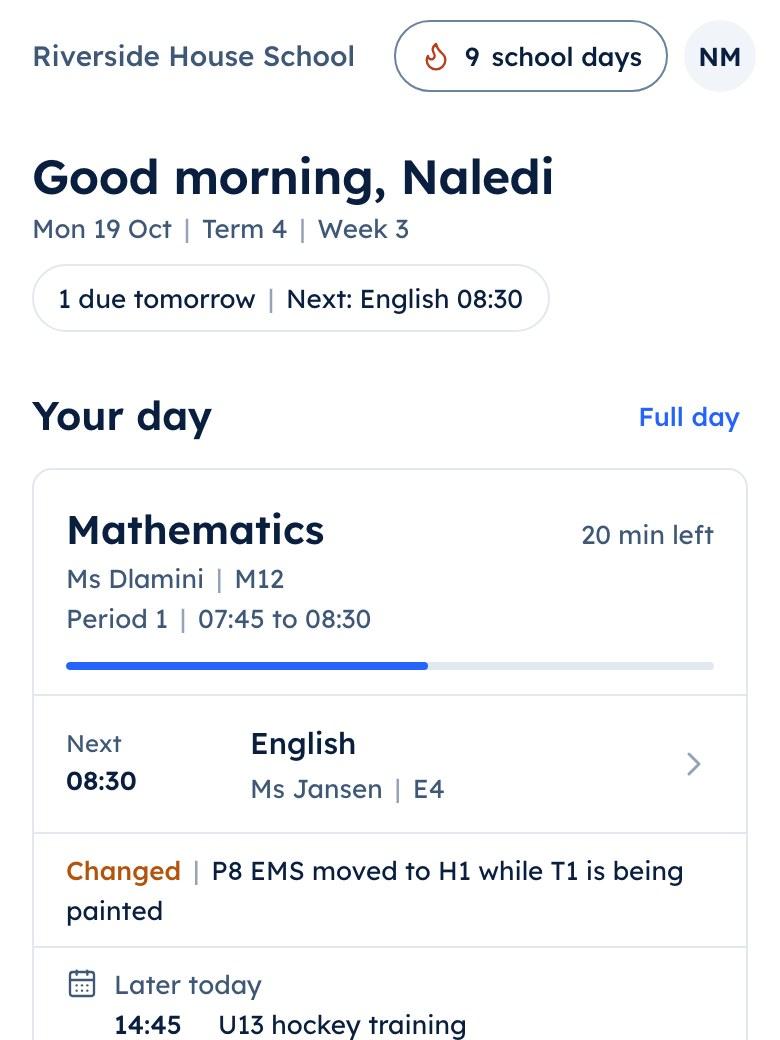
Naledi | Thursday
- The day by period
- A room change today
What it does
What Slooch Timetable does
Everything here is built and in the product today.
Built, checked for clashes and on every phone.
The timetable workspace
BuiltThe deputy builds the timetable on a constraint solver, with twenty runs a term included.Clash detection
BuiltEvery clash is shown before the timetable is published.Each day on the phone
BuiltEvery learner and teacher sees their own day on their phone.Room changes and cover
BuiltA room change or a cover lesson reaches the people it affects.
Timetable
- The timetable workspaceBuilt
- Each day on the phoneBuilt
- Exam timetablesBuilt
Exam timetables
BuiltExam timetables with each learner's concessions.
The deputy sets the rules, and the solver builds.
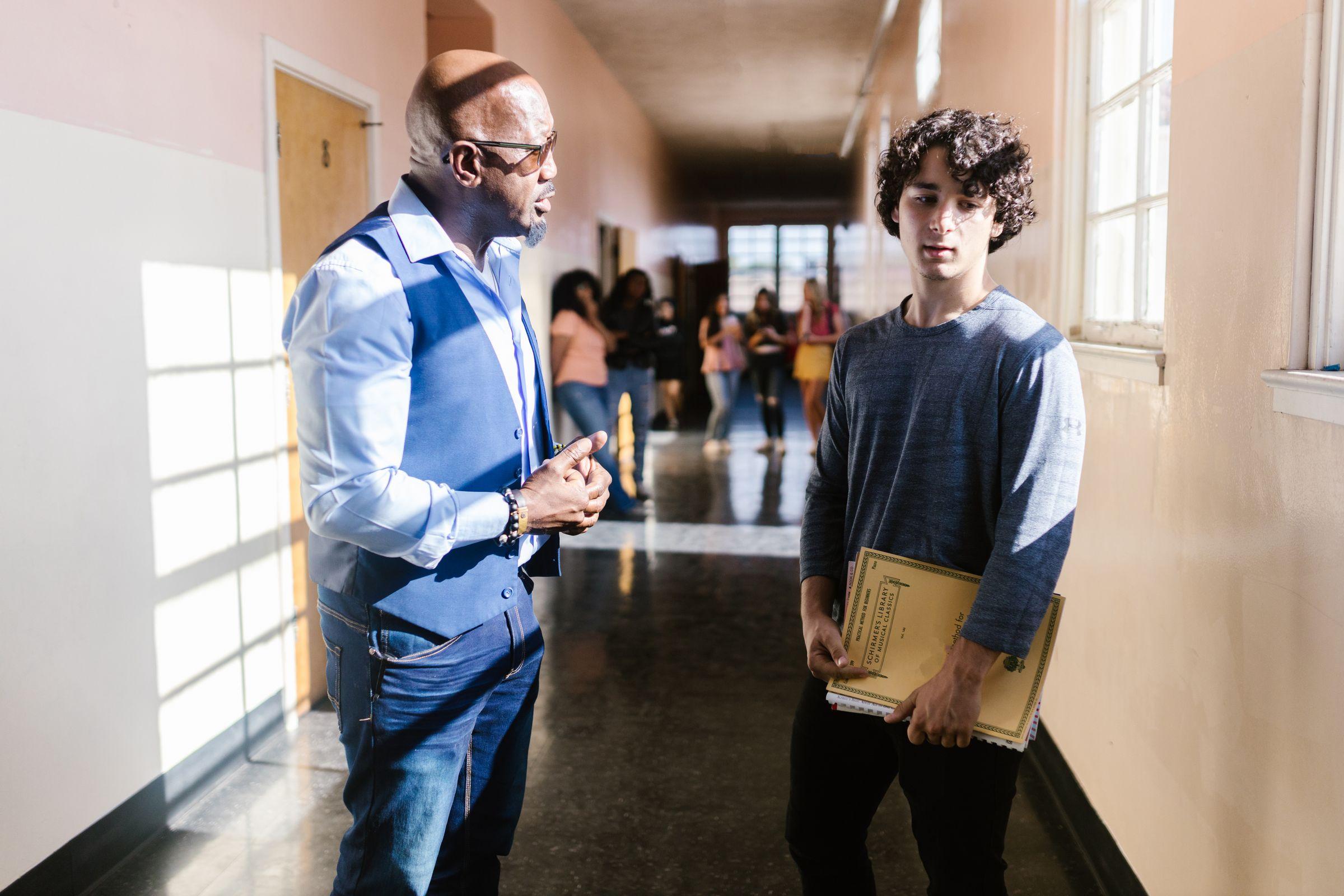
Mr Roberts enters the subjects, the periods each needs, the rooms and when each teacher is available. The solver builds a timetable that meets the rules, with twenty runs a term included.
- Subjects, periods, rooms and availability as rules
- Twenty runs a term included
- Changes made by hand before it is published
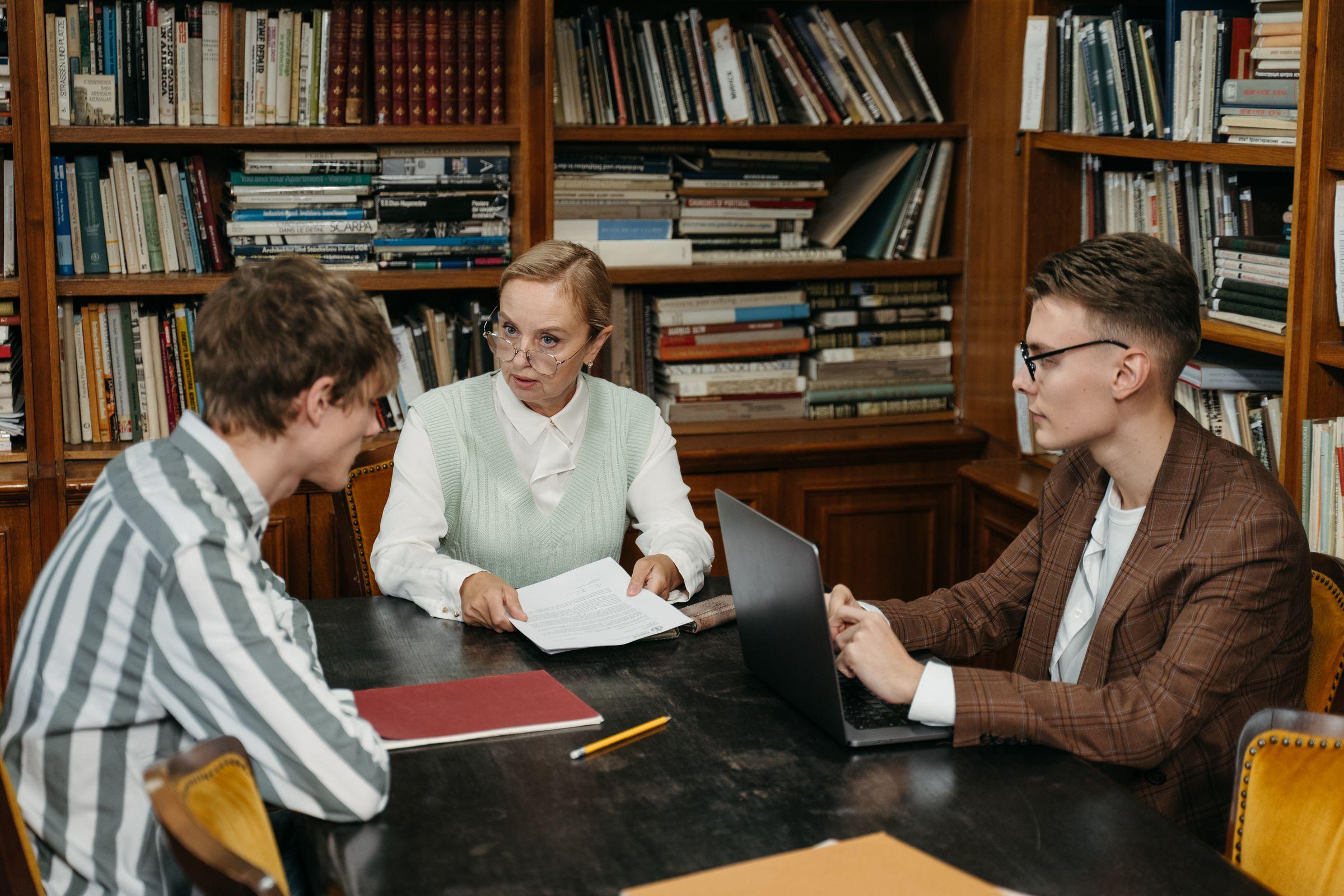
Every clash shown before the timetable goes out.
The solver shows every clash it could not avoid, and Mr Roberts clears the last one before he publishes. Then every learner and teacher sees their own day on the phone.
- Room changes and cover to the people they affect
- Exam timetables with each learner's concessions
- Each child's timetable in the parent app
How it works
How it works, in order
From the January build to a Thursday room change at an example school.
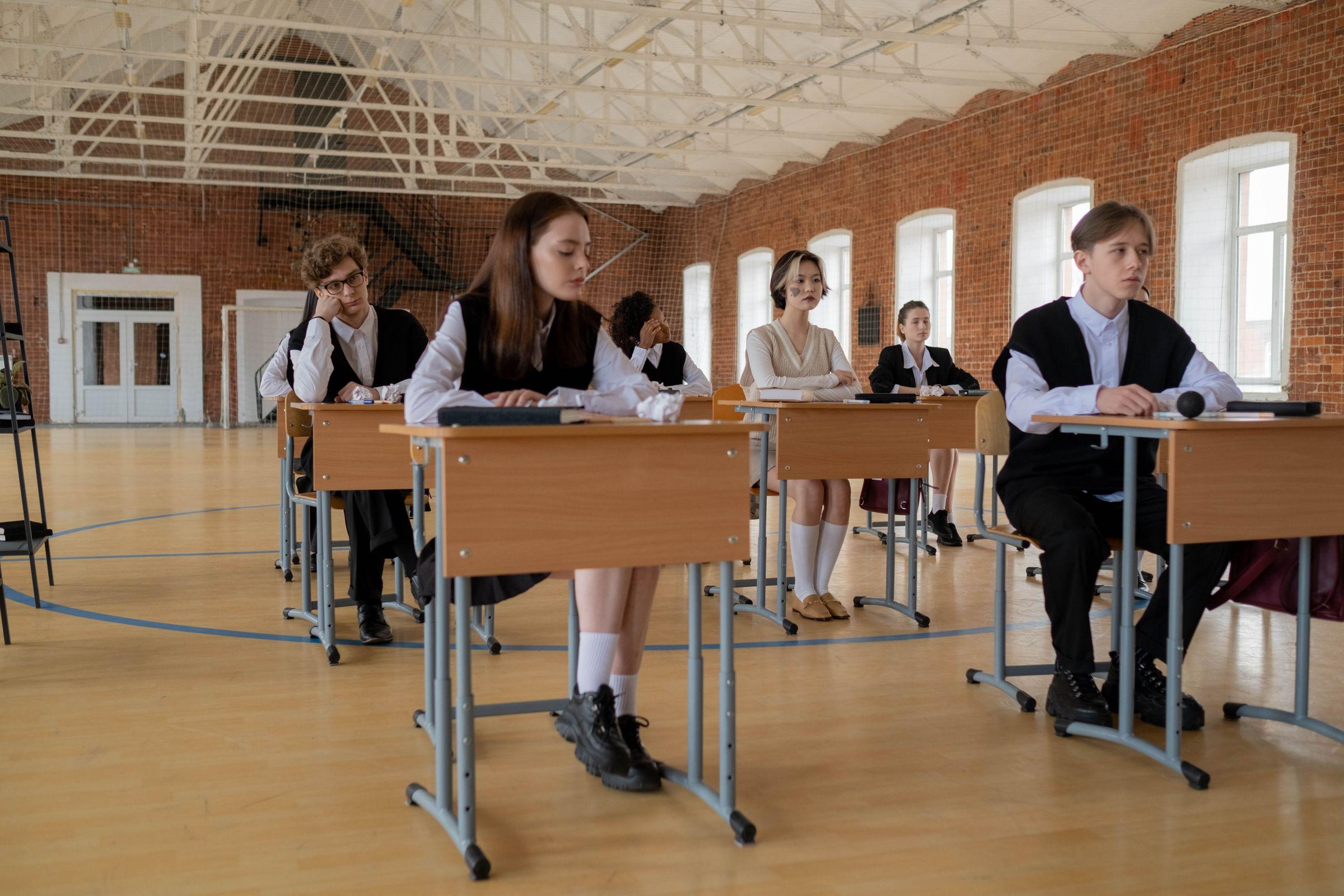
The deputy sets the rules
Mr Roberts enters the subjects, the periods each needs, the rooms and when each teacher is available.Slooch builds a timetable
The solver builds a timetable that meets the rules and shows every clash it could not avoid.The deputy checks and publishes
Mr Roberts changes what he wants, clears the last clash and publishes the timetable.Everyone's day on the phone
Naledi sees her day by period in the learner app, and Ms Dlamini sees hers in the teacher app.A room change on Thursday
When a room changes or a lesson needs cover, the learners and teachers it affects see it on their phones.Exam timetables
In exam season each learner sees a personal exam timetable, with any concession the school has approved.
Who uses it
Where each person sees it
Every part comes with the parent and learner apps, free for every family.
School portal
The deputy, in the school portal
Works with
SA-SAMS, d6, Ed-Admin and Xero are the names of their owners' products. Slooch is not affiliated with or endorsed by any of them.- Reads from SA-SAMSBuilt
Learner, teacher and class lists come from the school's administration system.
Takes over
- Timetabling tools
- Timetable spreadsheets
Slooch runs beside what the school uses today, and takes over only when the school is ready.
Questions
Questions schools ask
Does Slooch build the timetable for us?
The deputy sets the rules and Slooch's solver builds a timetable that meets them. The deputy checks it, changes what they want and publishes it.
How many times can we run the solver?
Twenty runs a term are included.
What happens to a clash?
Every clash is shown before the timetable is published, with the lessons, teachers or rooms involved.
Do learners and parents see the timetable?
Yes. Each learner and teacher sees their own day on their phone, and parents see each child's timetable.
How do room changes and cover work?
The office or the deputy makes the change once, and it reaches the learners and teachers it affects.
Do teachers see cover lessons?
Yes. A cover lesson appears on the covering teacher's day, with the class and the room.
Does it do exam timetables?
Yes, with each learner's approved concessions, such as extra time or a separate venue.
Can we buy Timetable on its own?
Yes. Every part can be bought alone, and Timetable also comes in Slooch Whole School.
The other parts
Every part reads and writes the same families, learners and staff, so adding one is a setting.
- NoticesWho has read it, signed it and done it.Channels planned
- DocumentsReports and letters home, and who opened them.Built
- FeesEvery charge and payment matched for the bursar.Built
- RegisterEvery register taken, and the office's view by 08:00.Built
- AdmissionsFrom the first enquiry to the signed enrolment.Built
- SitesThe school's page, kept current by its notices.Full site planned
- AssessmentsSet, mark and give out for the whole grade.Built